Nano Banana용 무료 Banana Prompts

인물, 커플, LinkedIn 사진, 로고, 깔끔한 편집을 위한 검증된 Banana Prompts를 복사해 바로 붙여넣으세요.
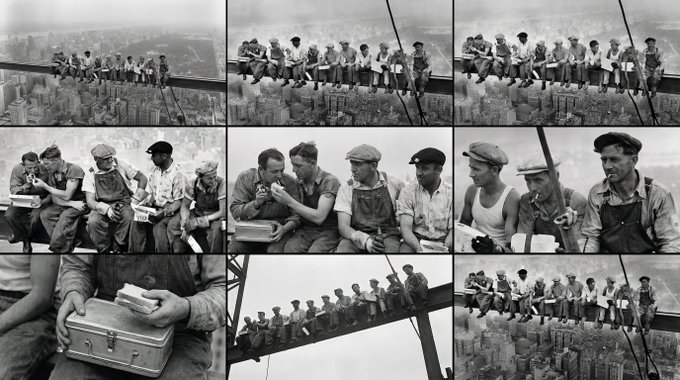
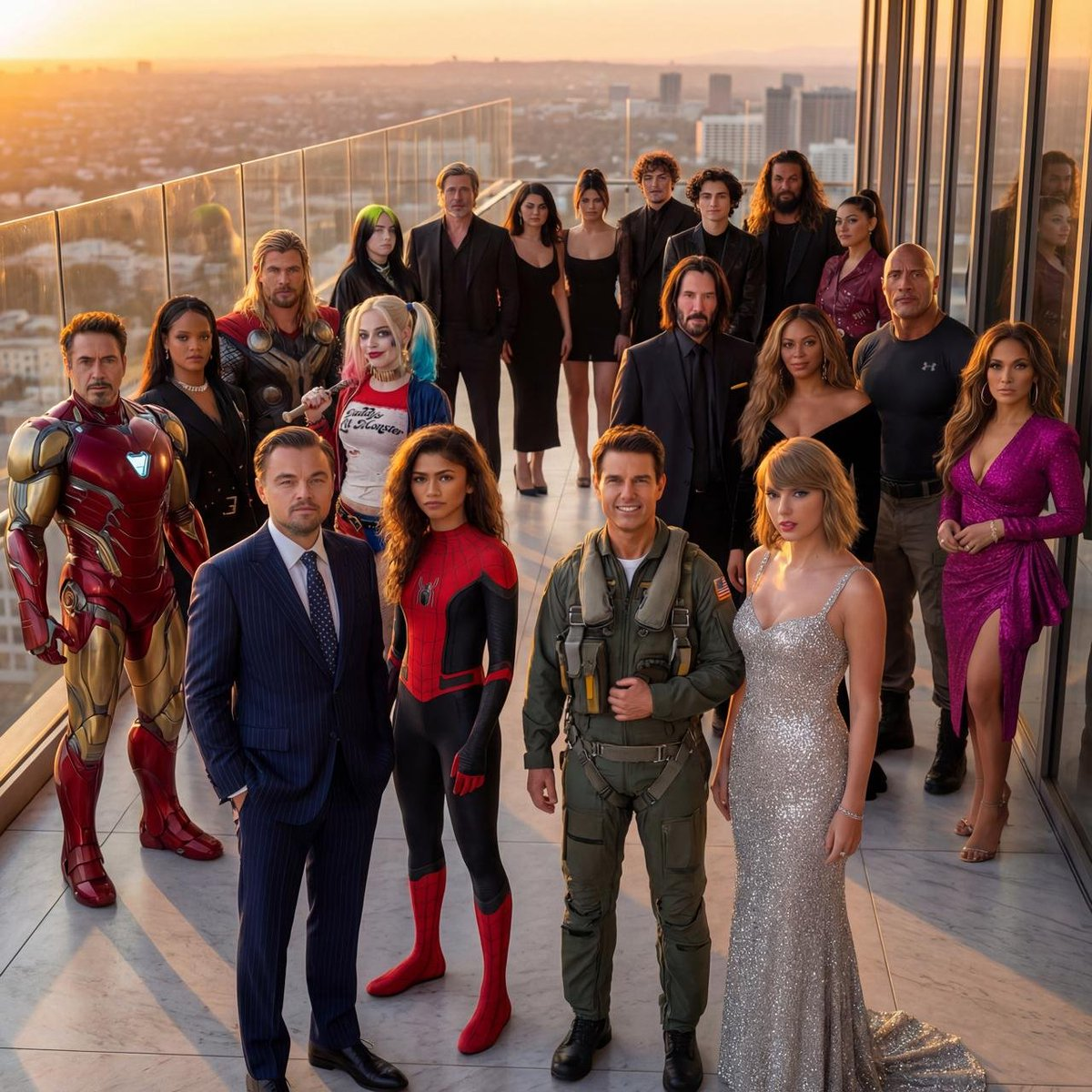
Hyper-Realistic Crowd Composition output
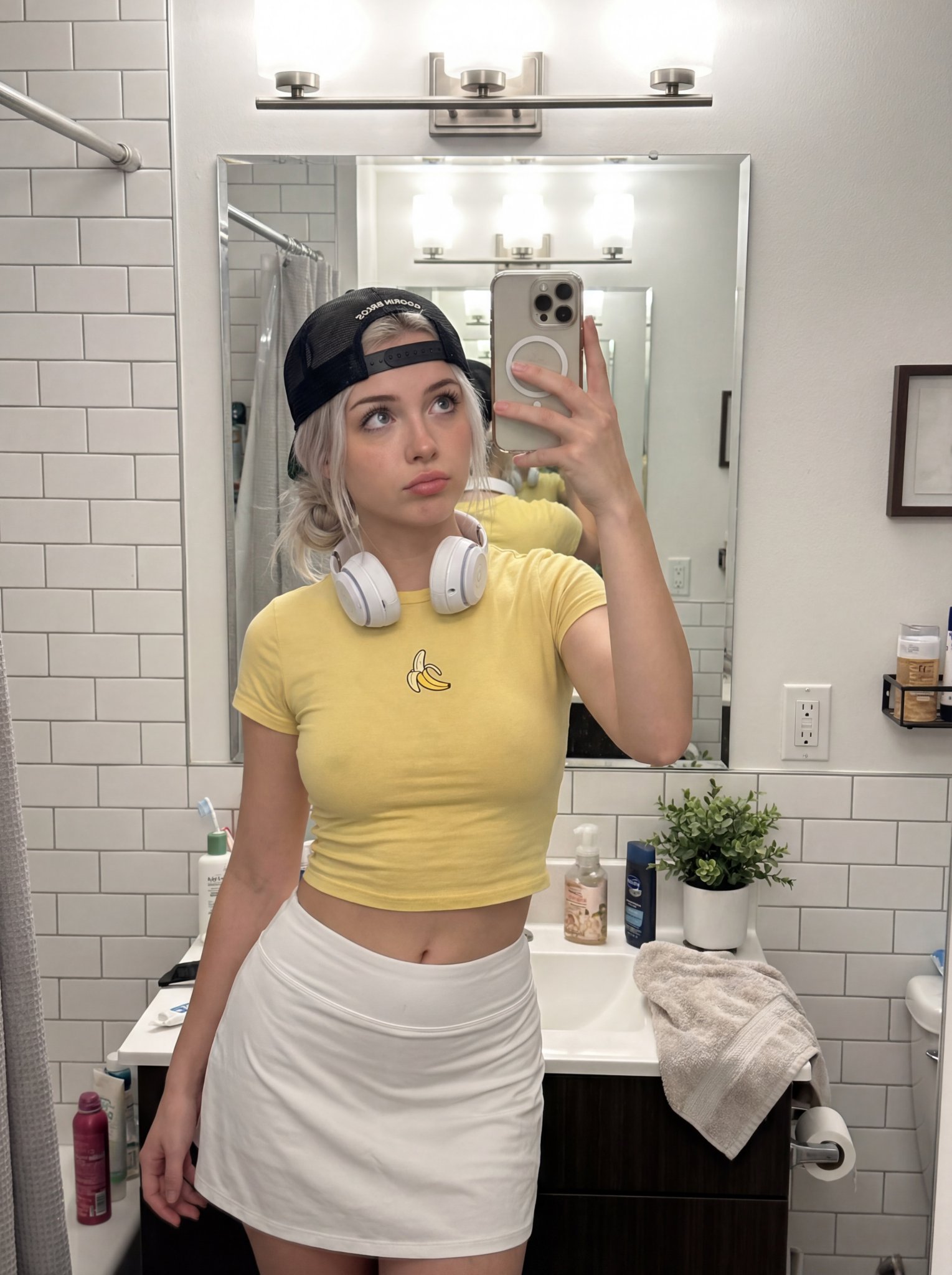
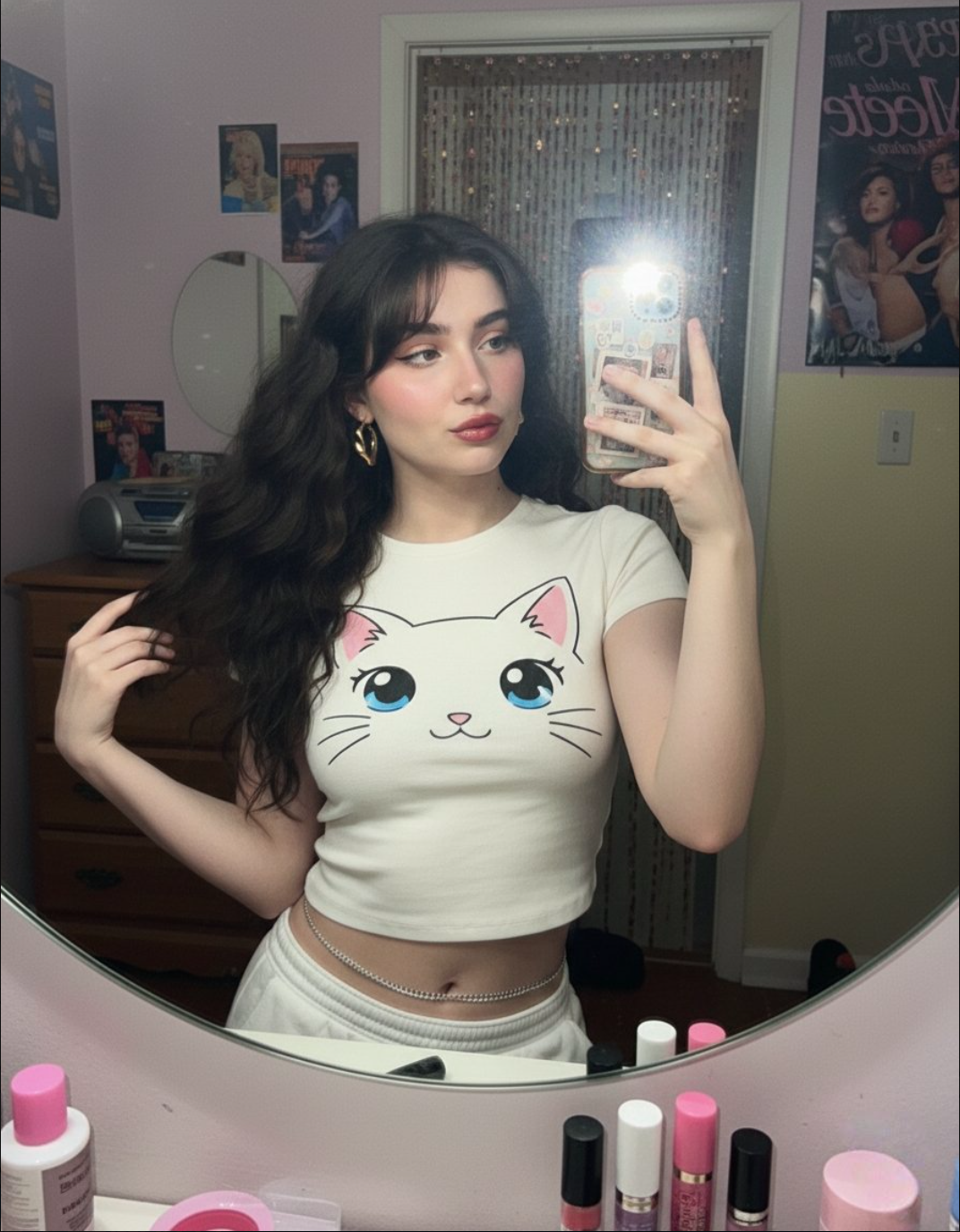
2000s Mirror Selfie output
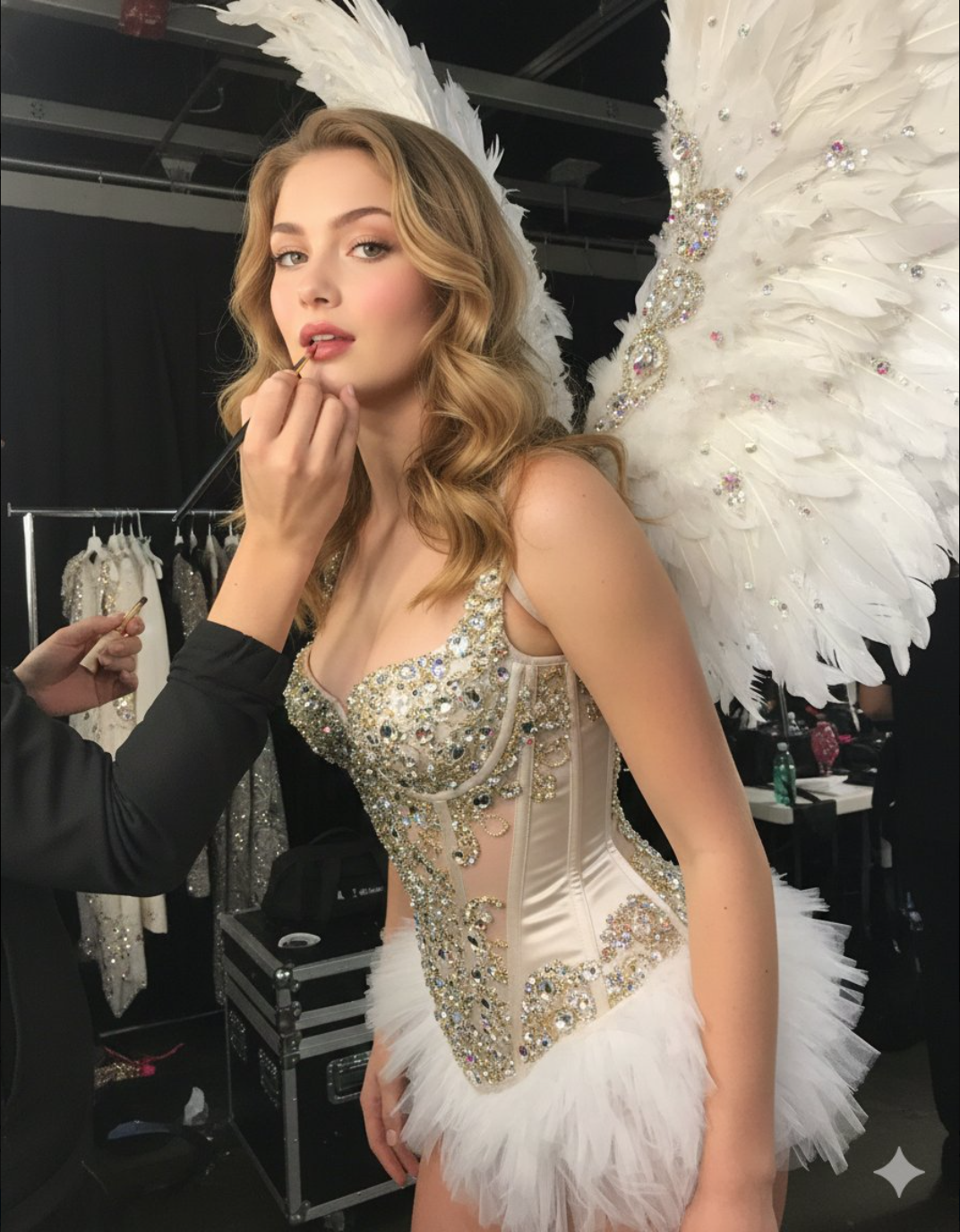
Victoria's Secret Style Photoshoot output
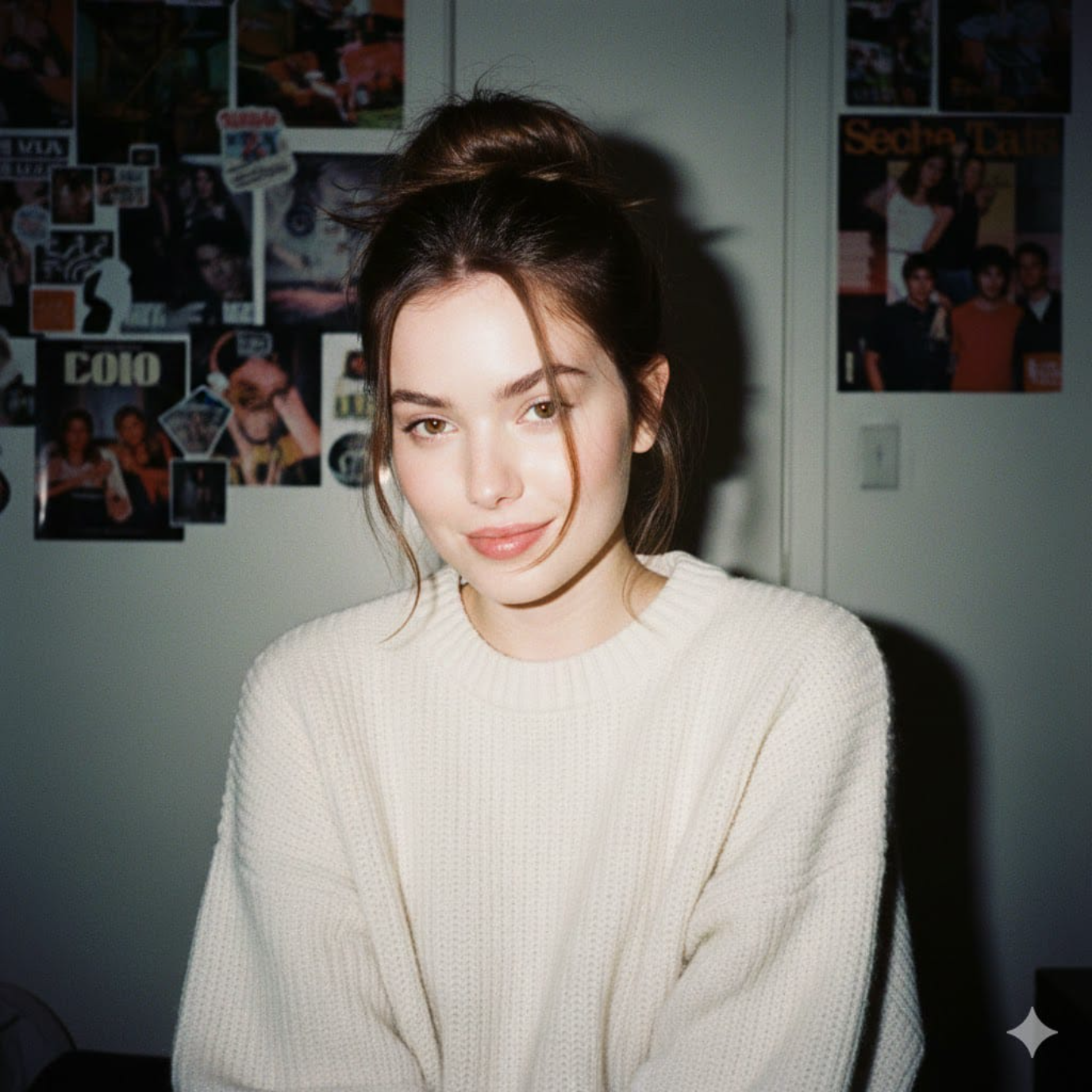
1990s Camera Style Portrait output
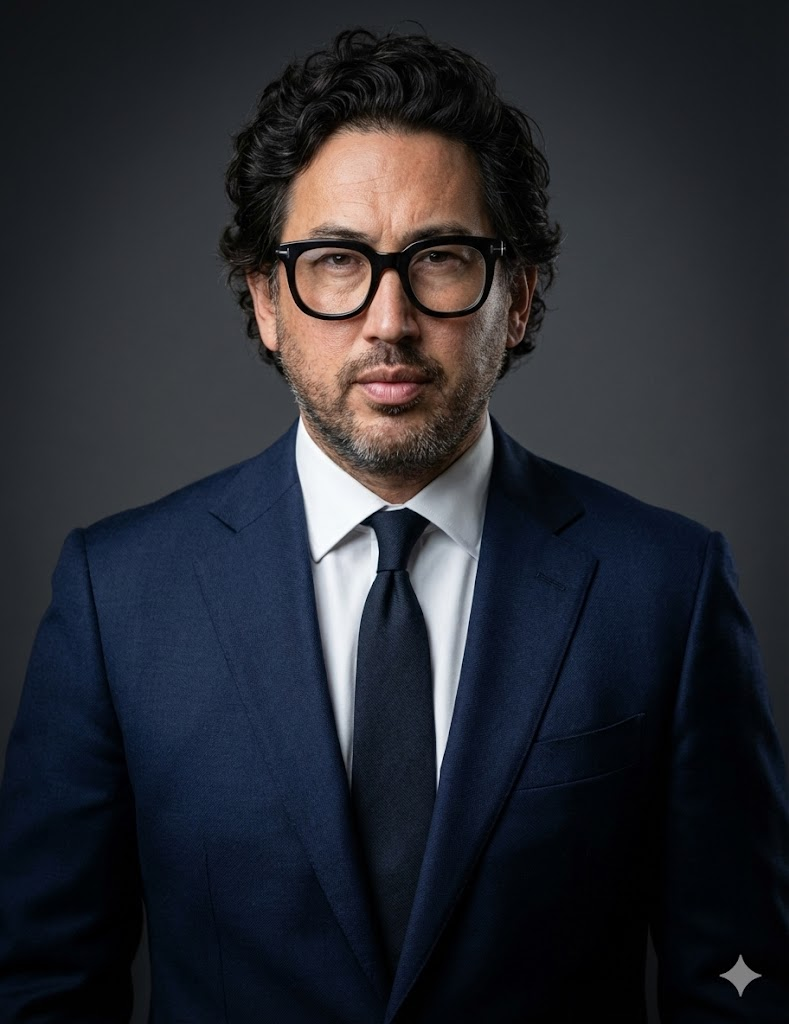
One-Click Business Photo (Silicon Valley Style) output
Emotional Film Photography output
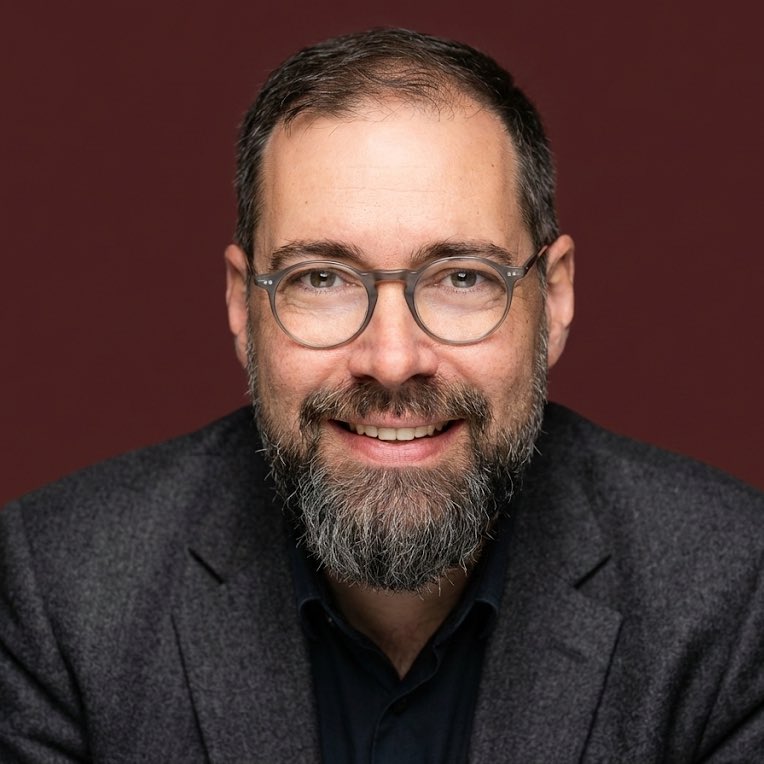
Professional Headshot Creator output
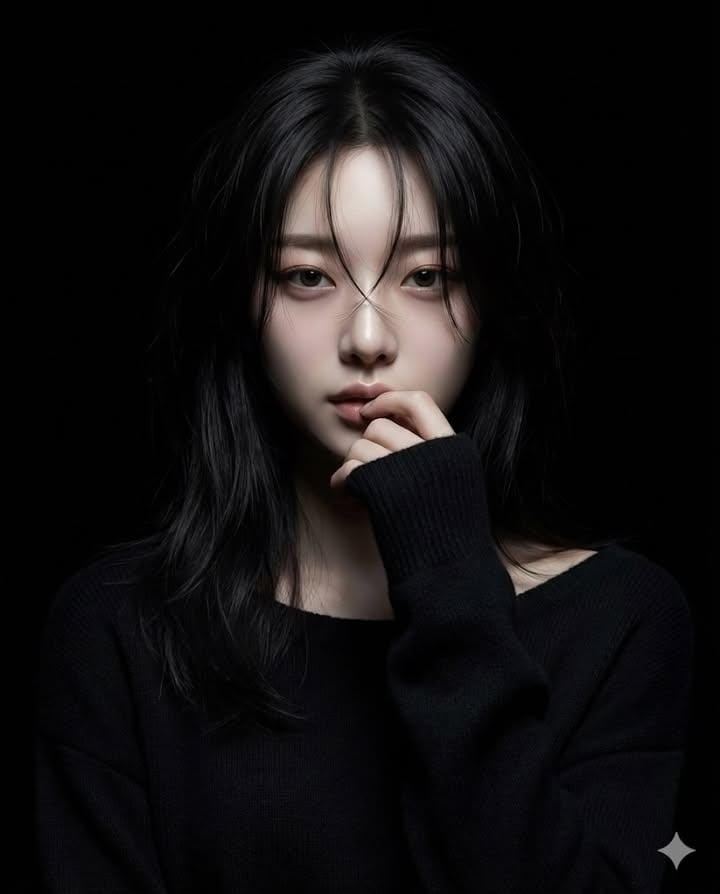
Hyperrealistic Anime Portrait in Spotlight output
Bathroom Mirror Selfie output
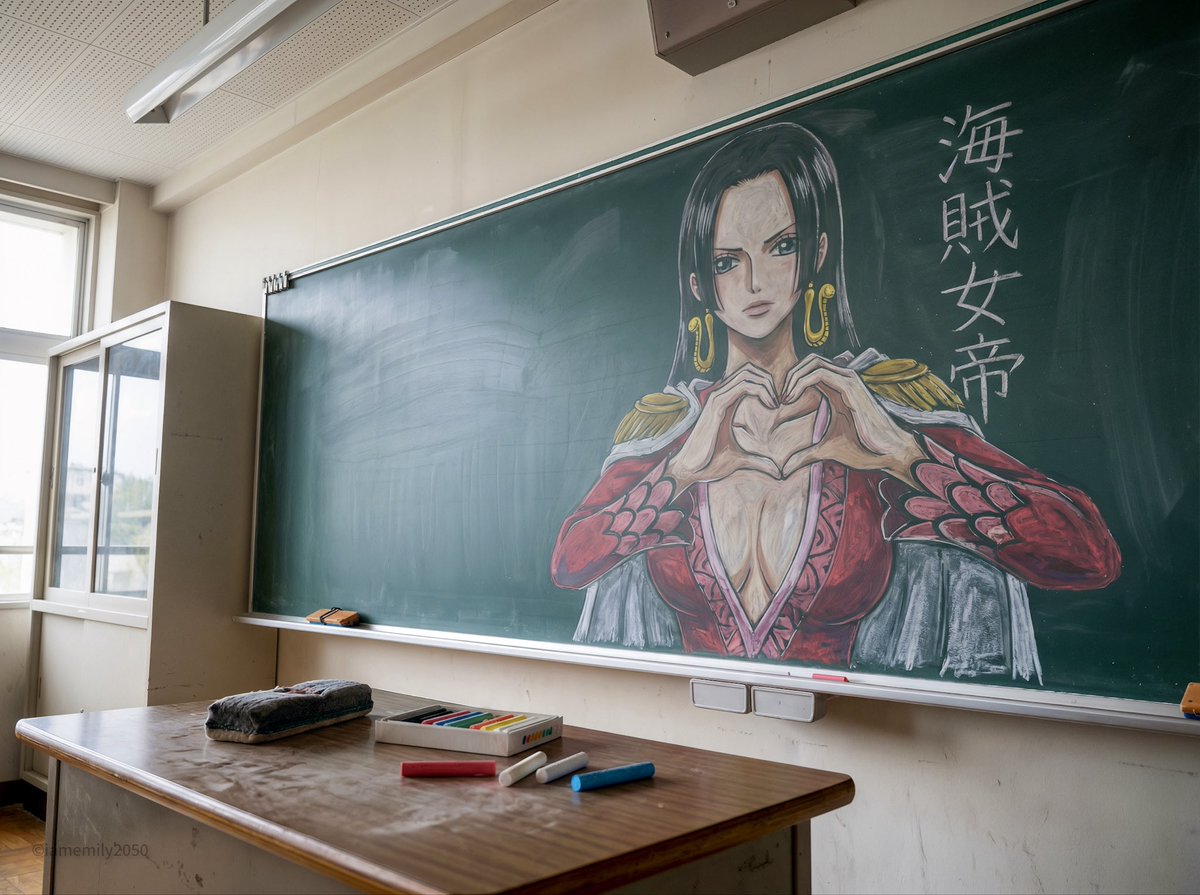
Chalkboard Anime Art Documentation output
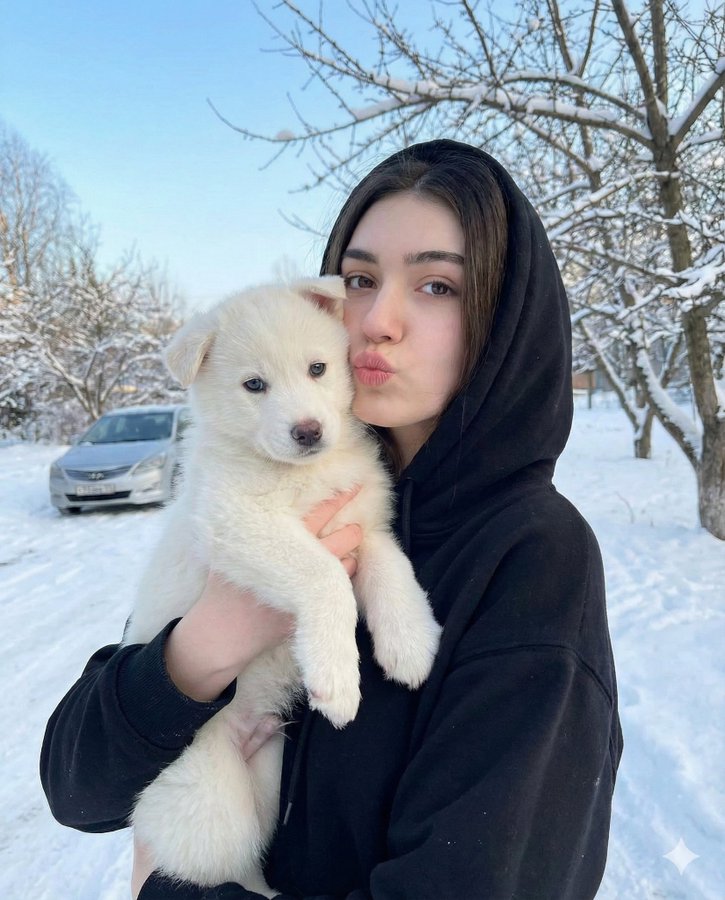
Portrait with Puppy in Snow output
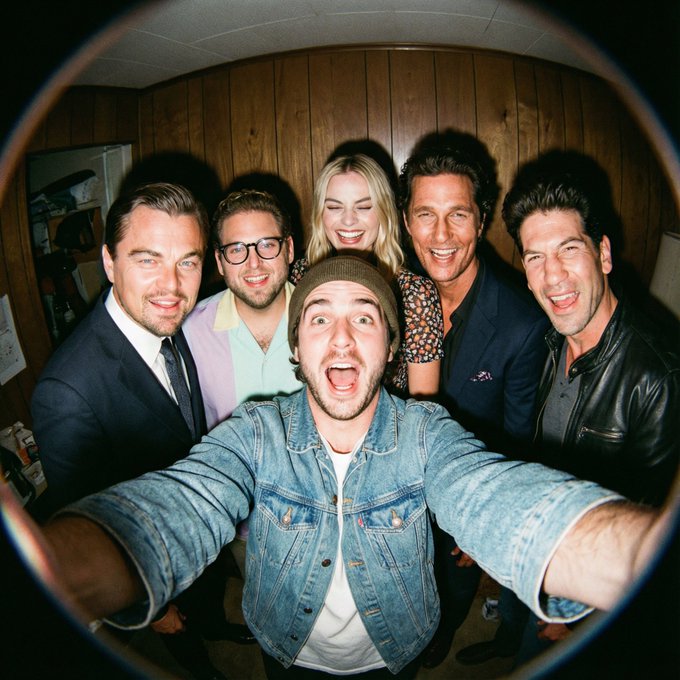
Fisheye Movie Character Selfie output
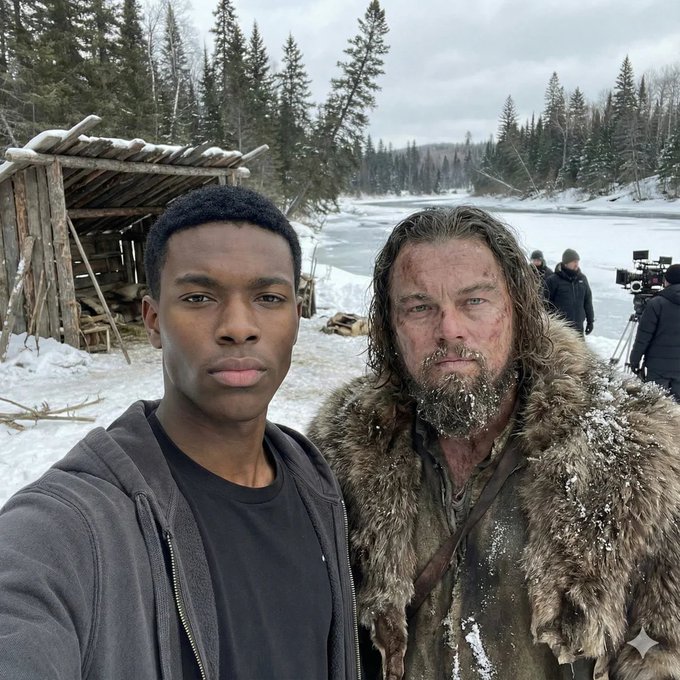
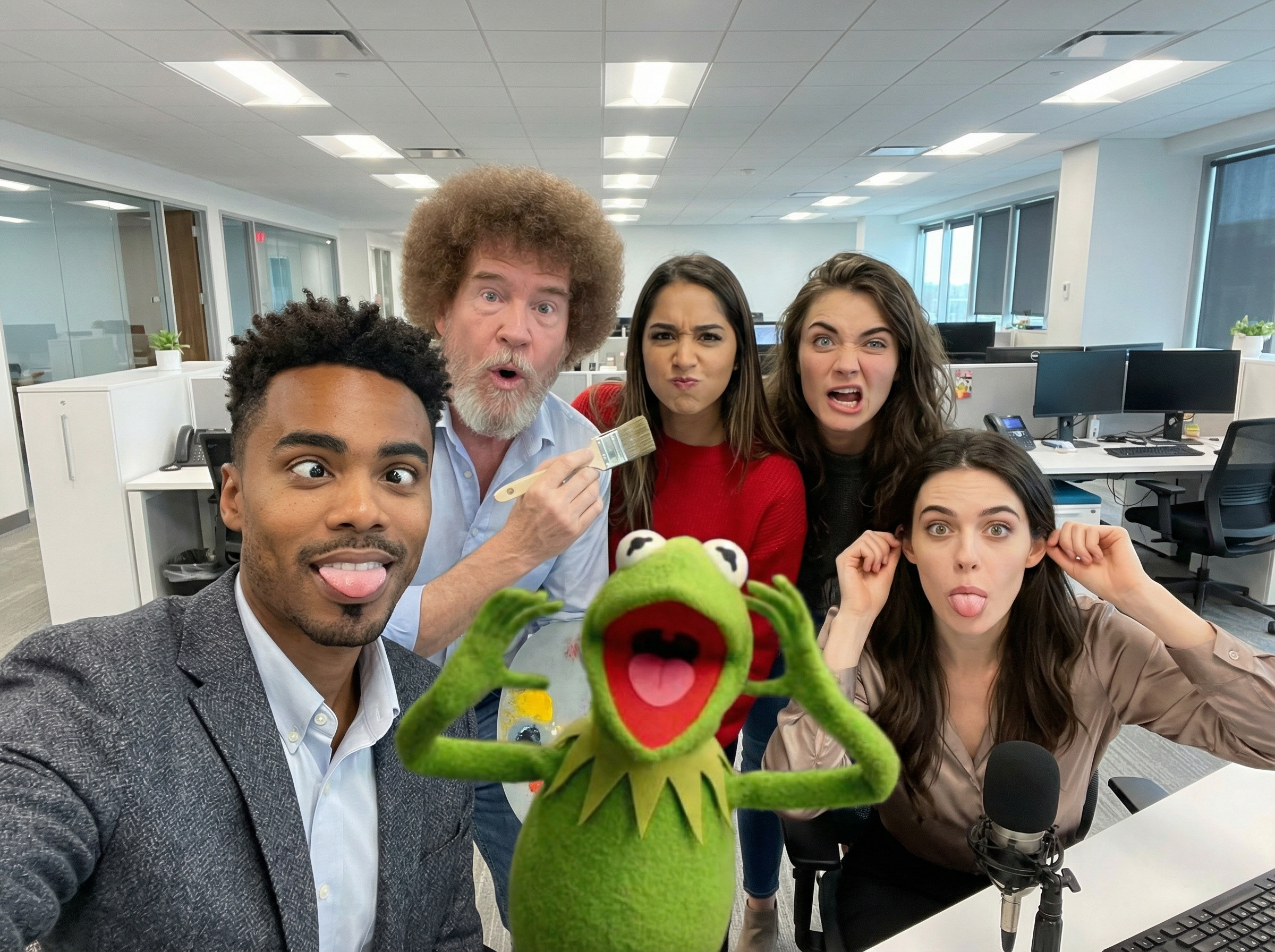
Character Consistency Selfie with Movie Character output
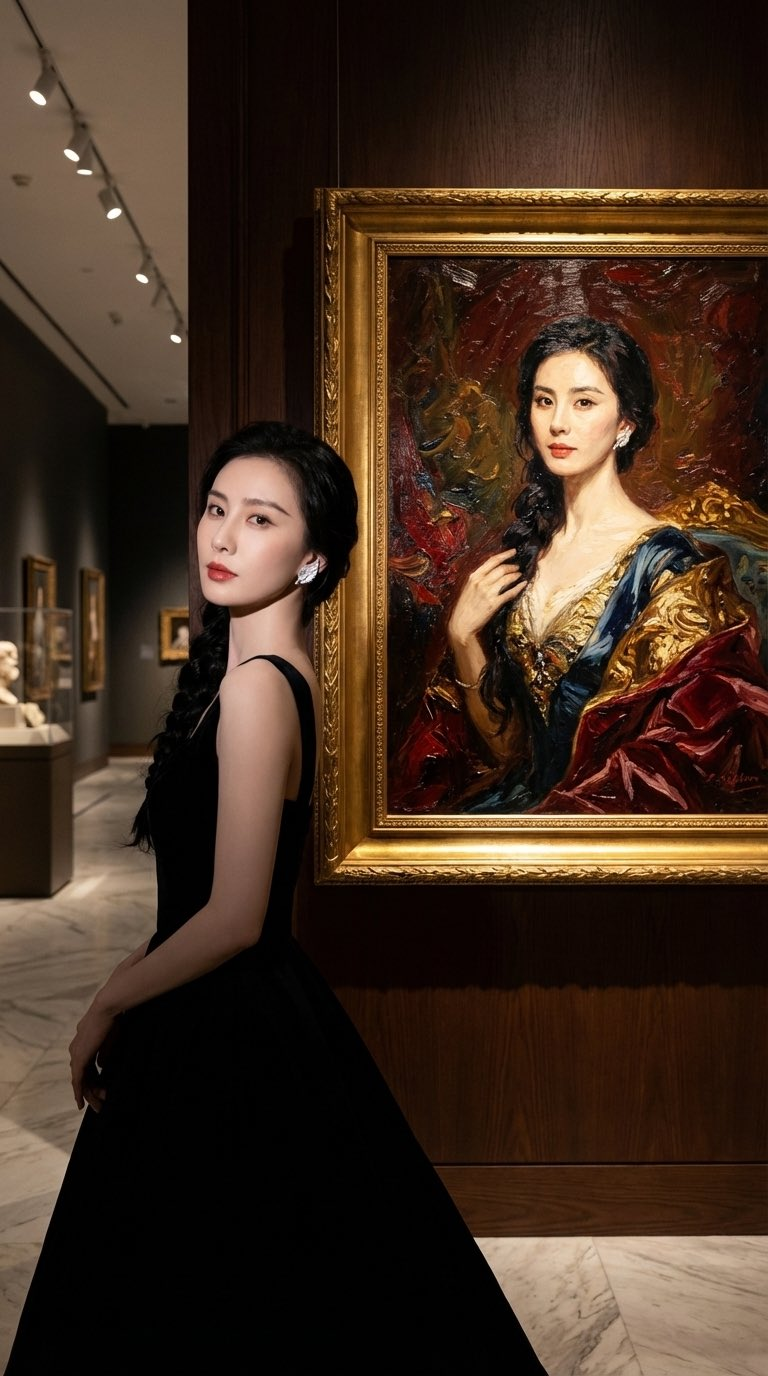
Museum Art Exhibition Selfie output
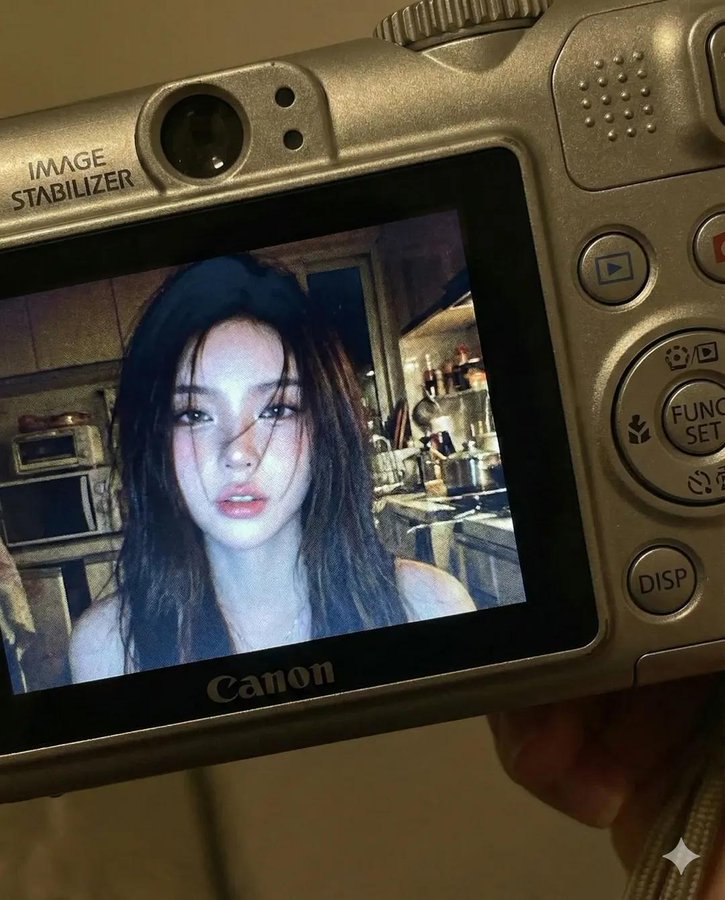
Compact Camera Screen Display output
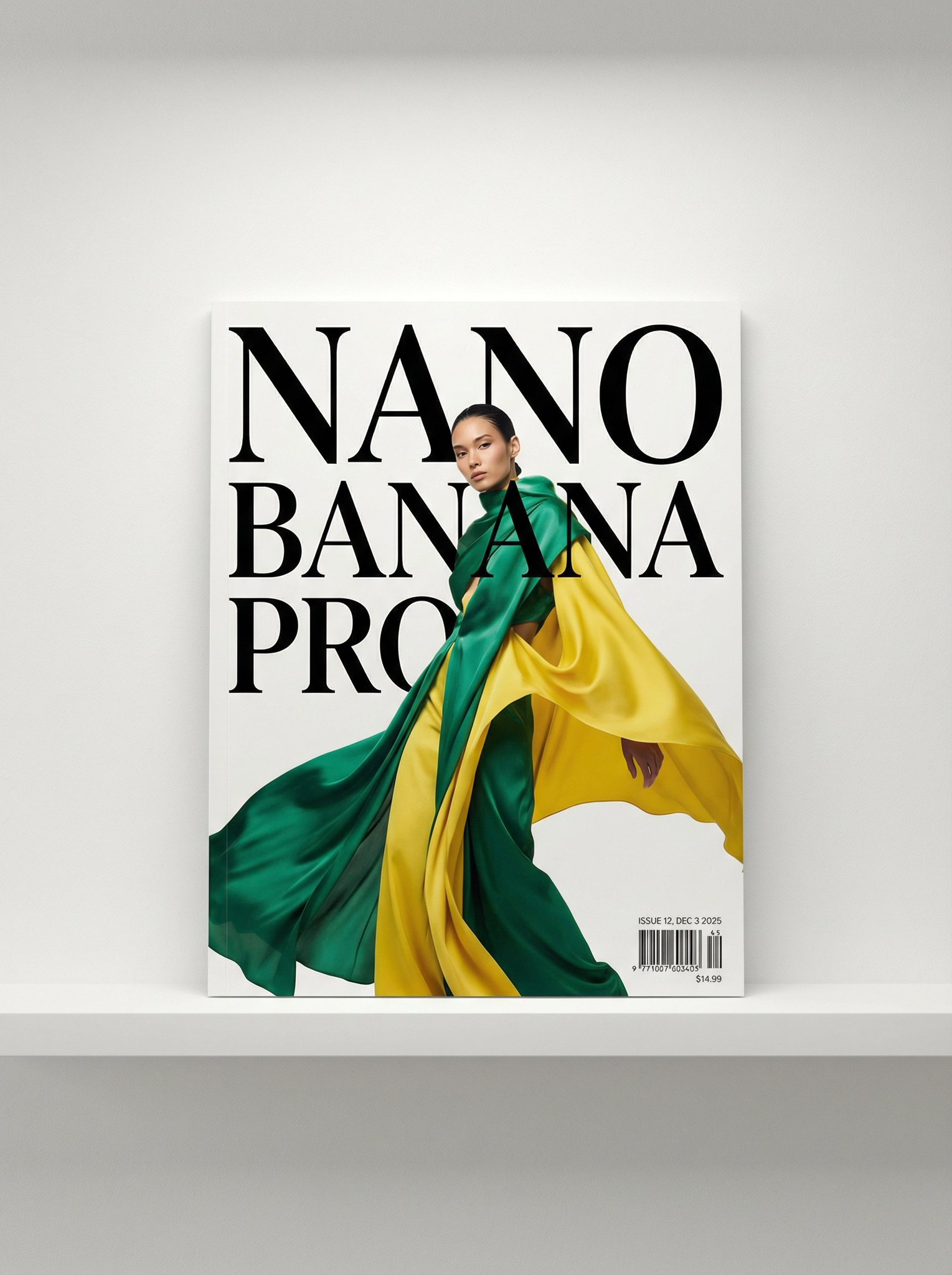
Magazine Cover Portrait output
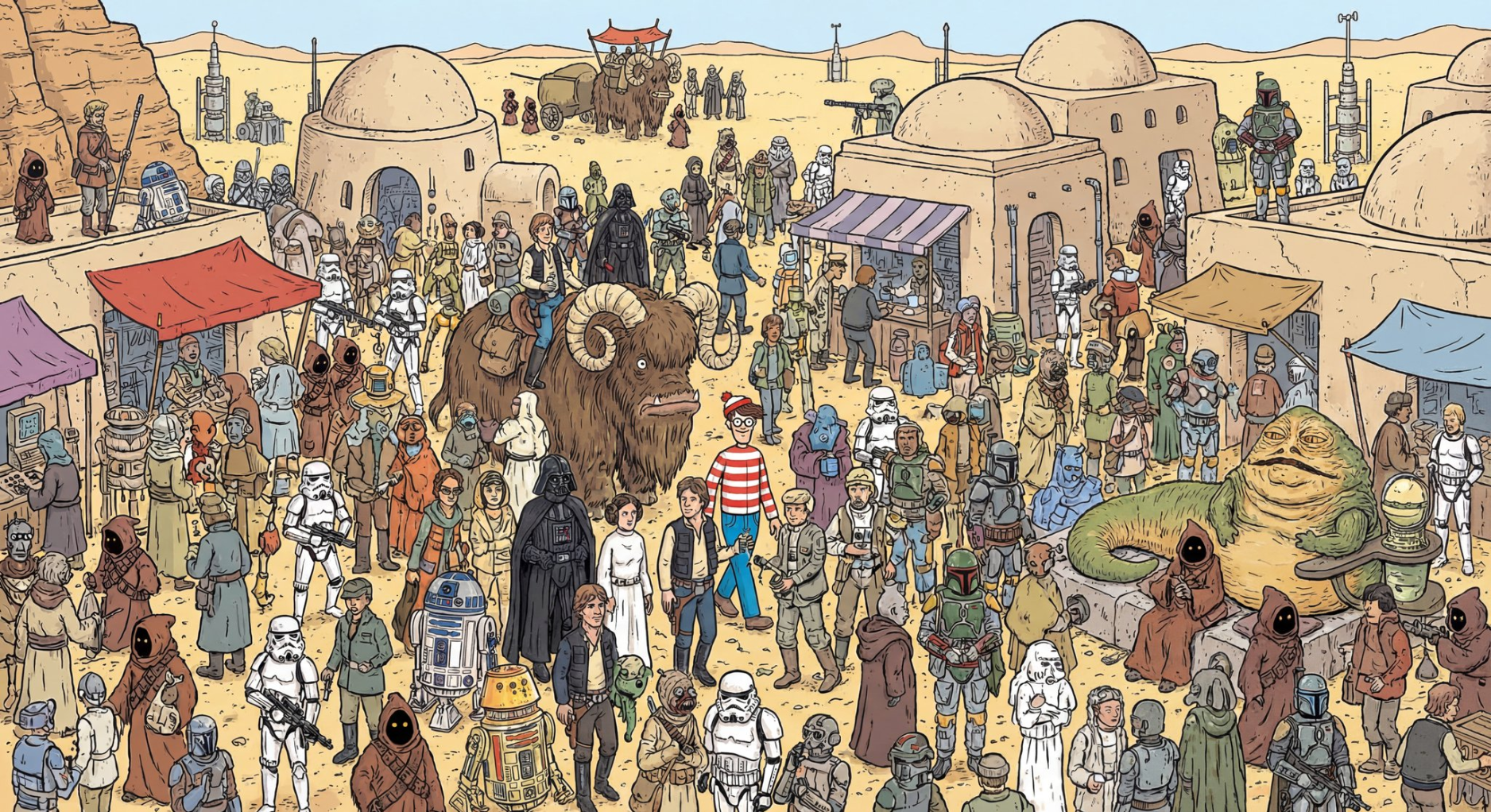
Star Wars "Where's Waldo" output
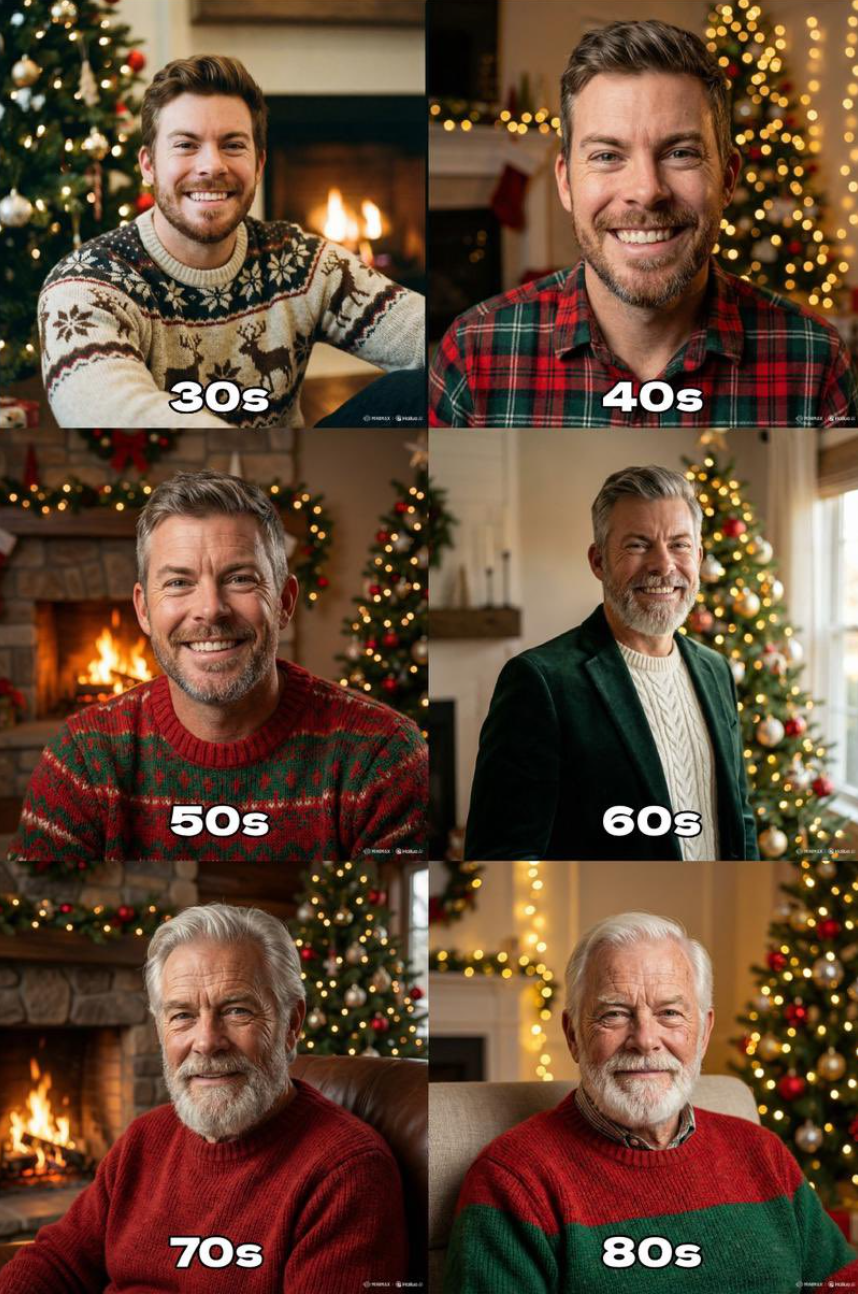
Aging Through the Years output
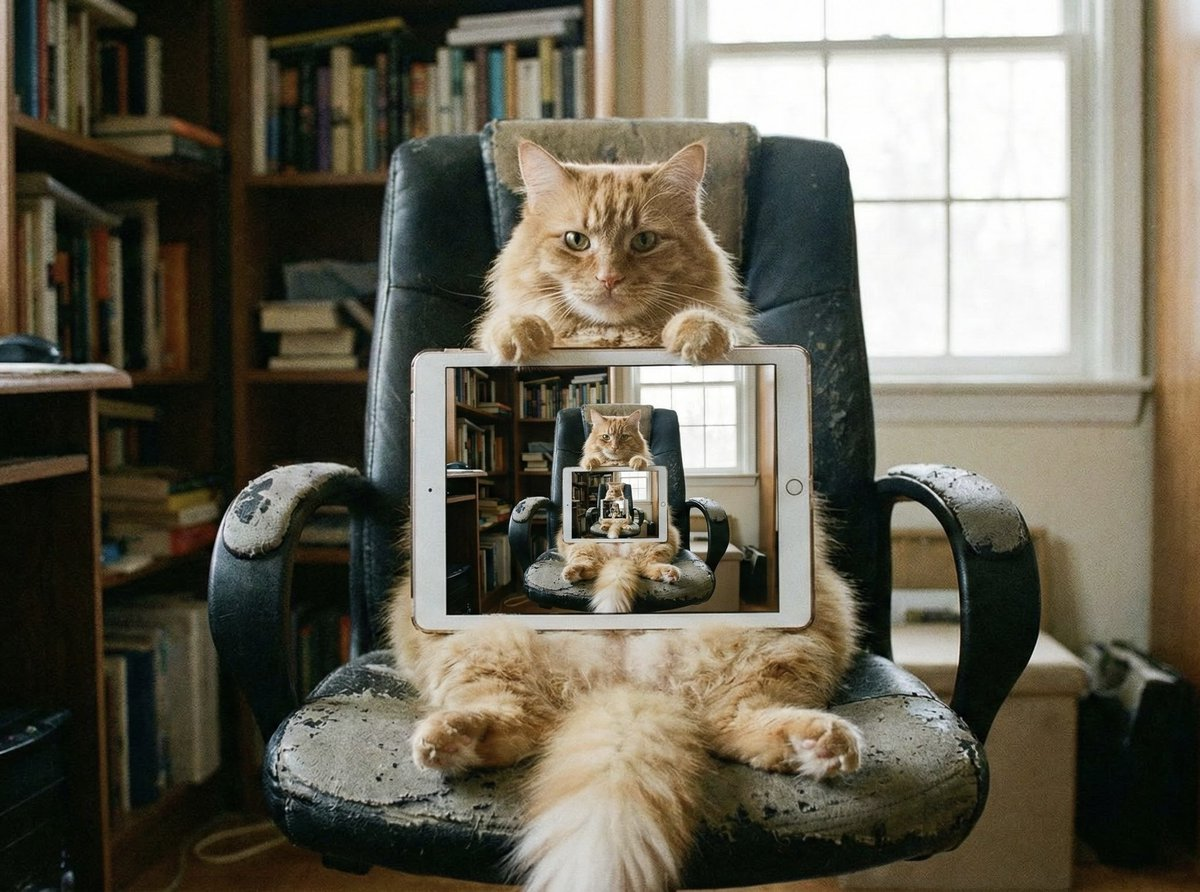
Recursive Visuals output
Coordinate Visualization output
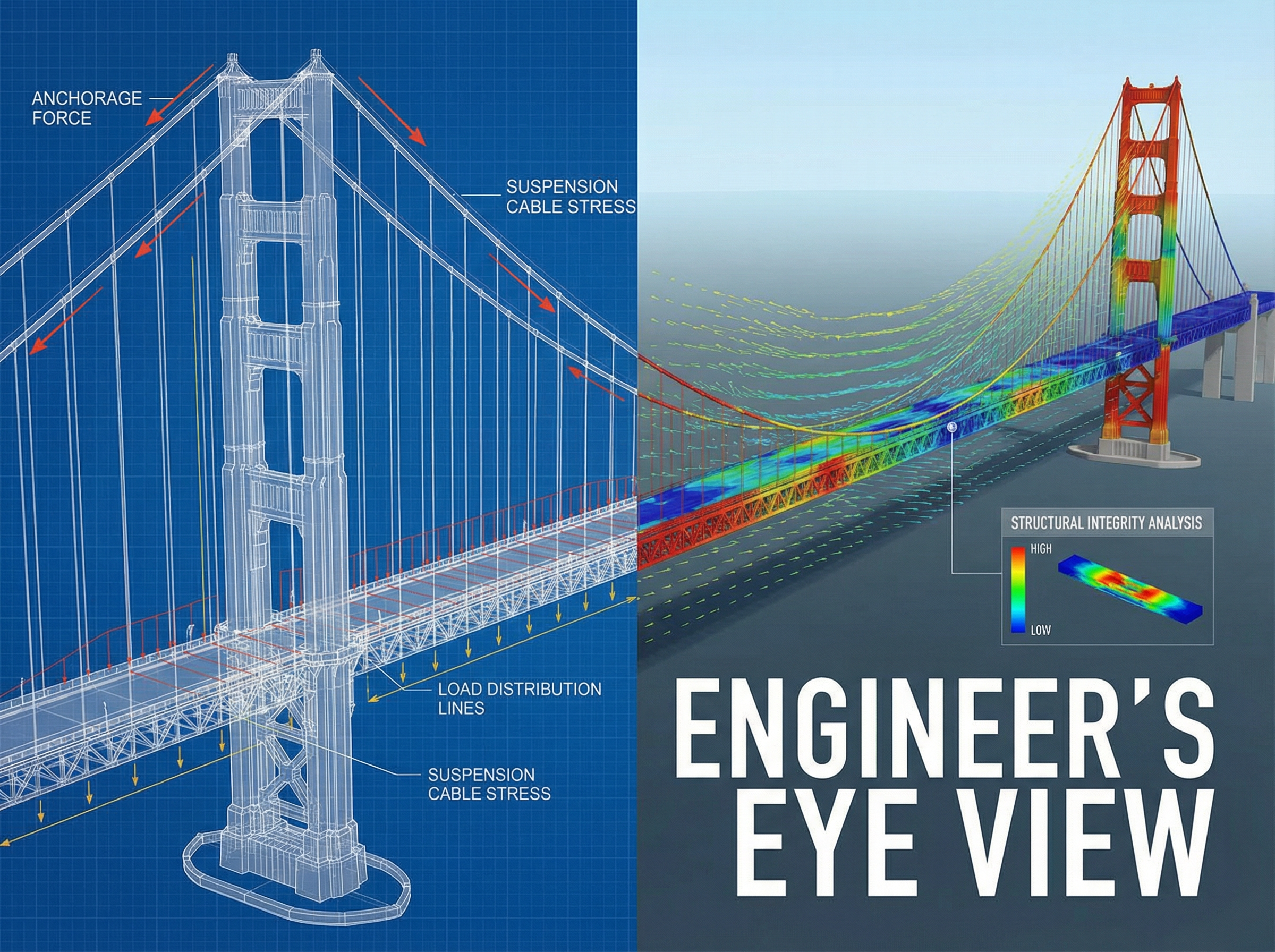
Conceptual Visualization output
Literal Interpretation output
Multi-Subject Compositing output
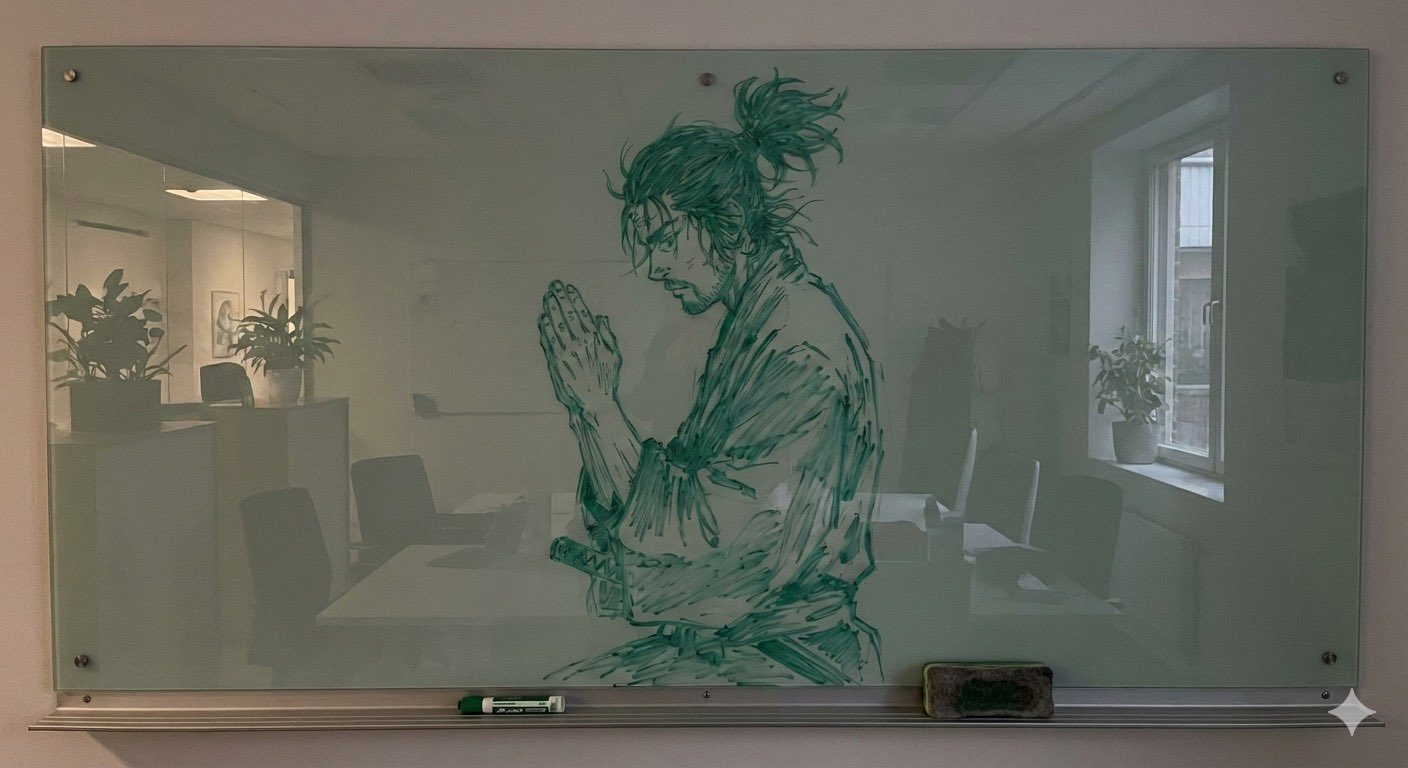
Whiteboard Marker Art output
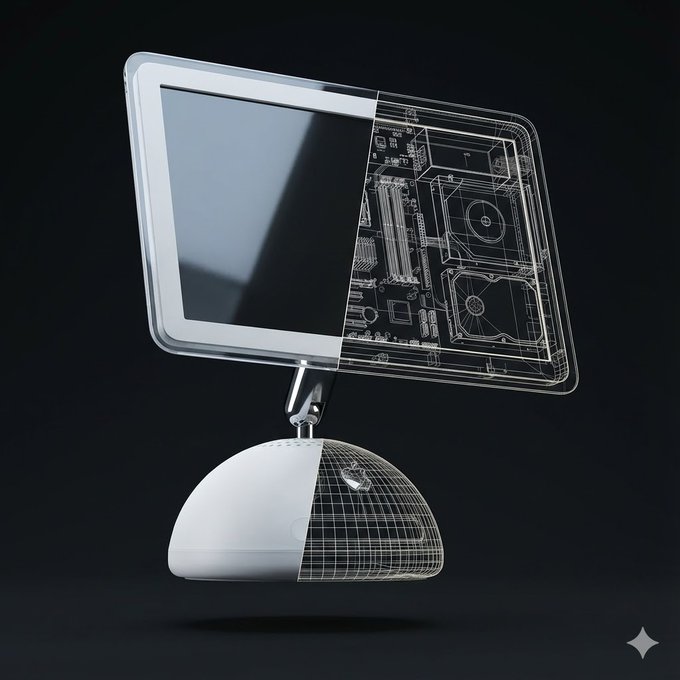
Split View 3D Render - iPhone 17 Pro output
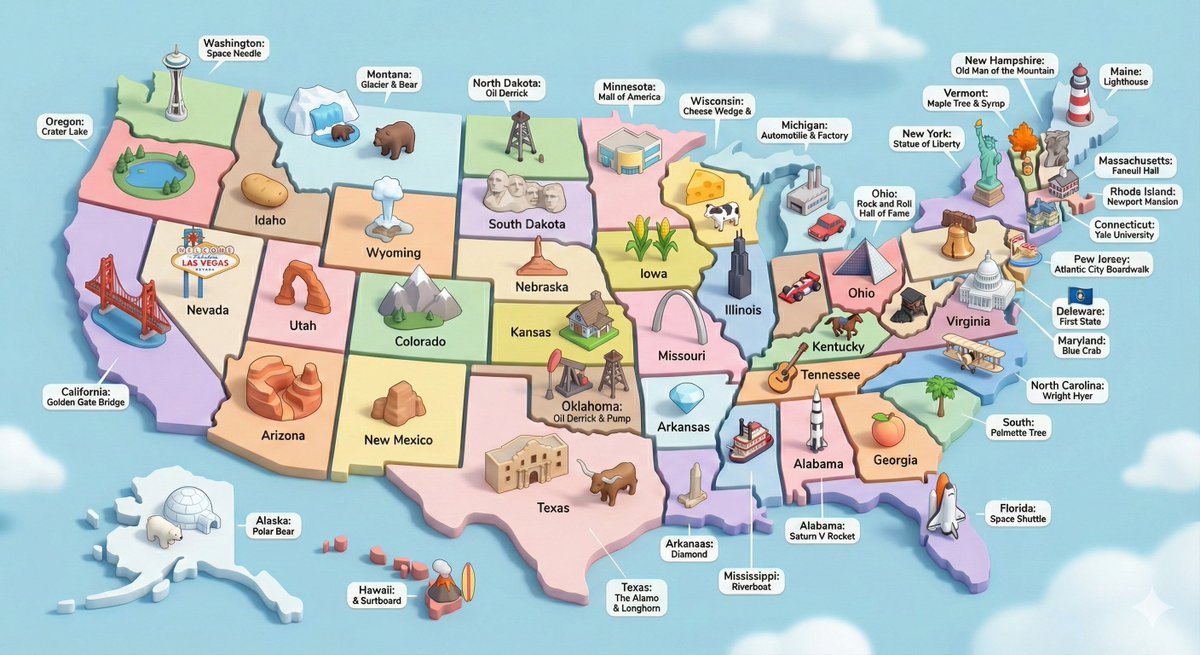
USA 3D Diorama with Landmarks output
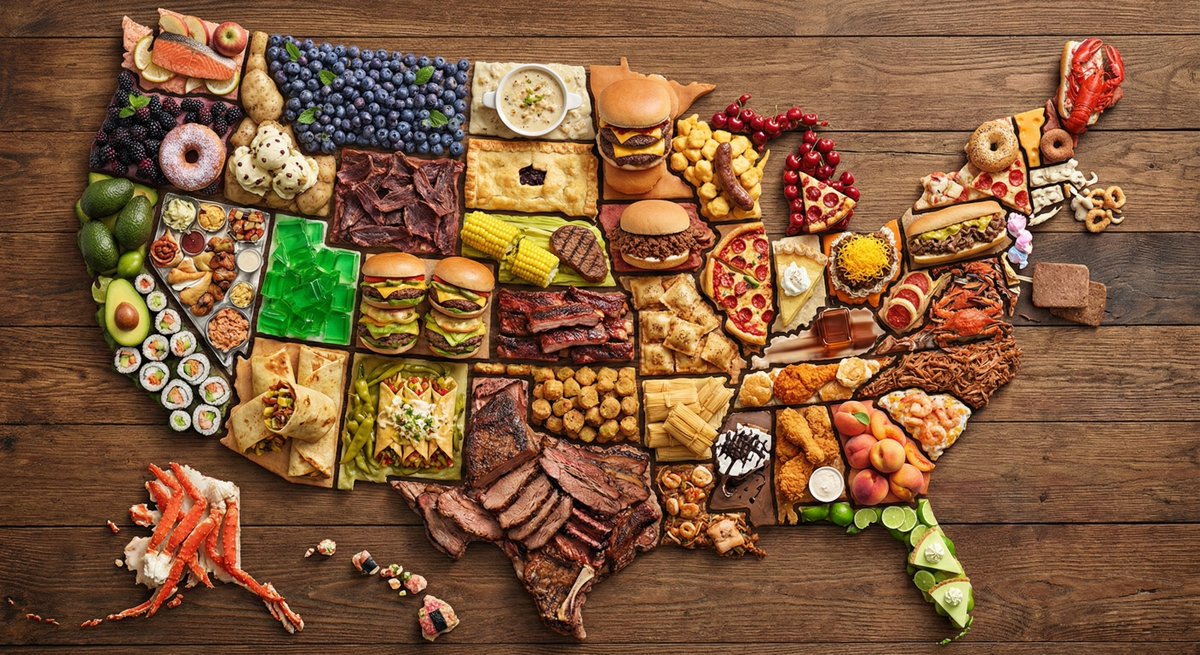
US Map Made of Famous Foods output
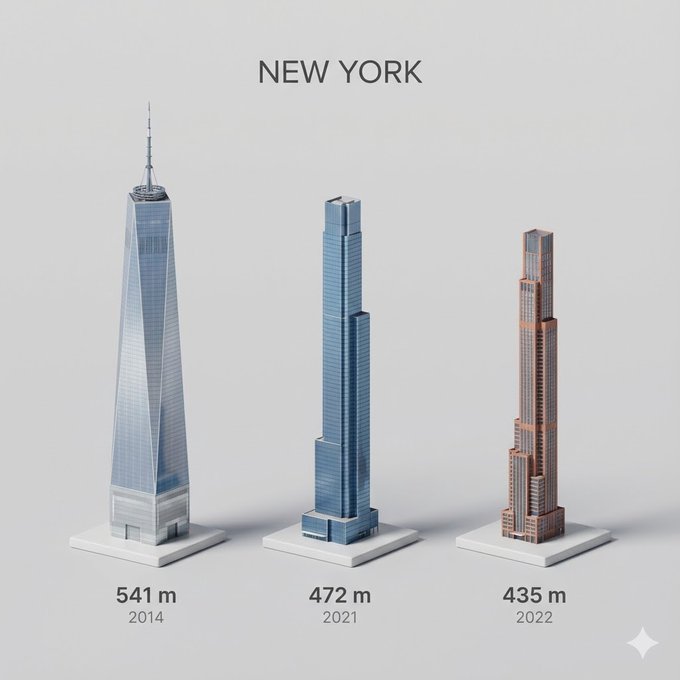
City's Tallest Buildings 3D Cartoon View output
3D Isometric Home Office Illustration output
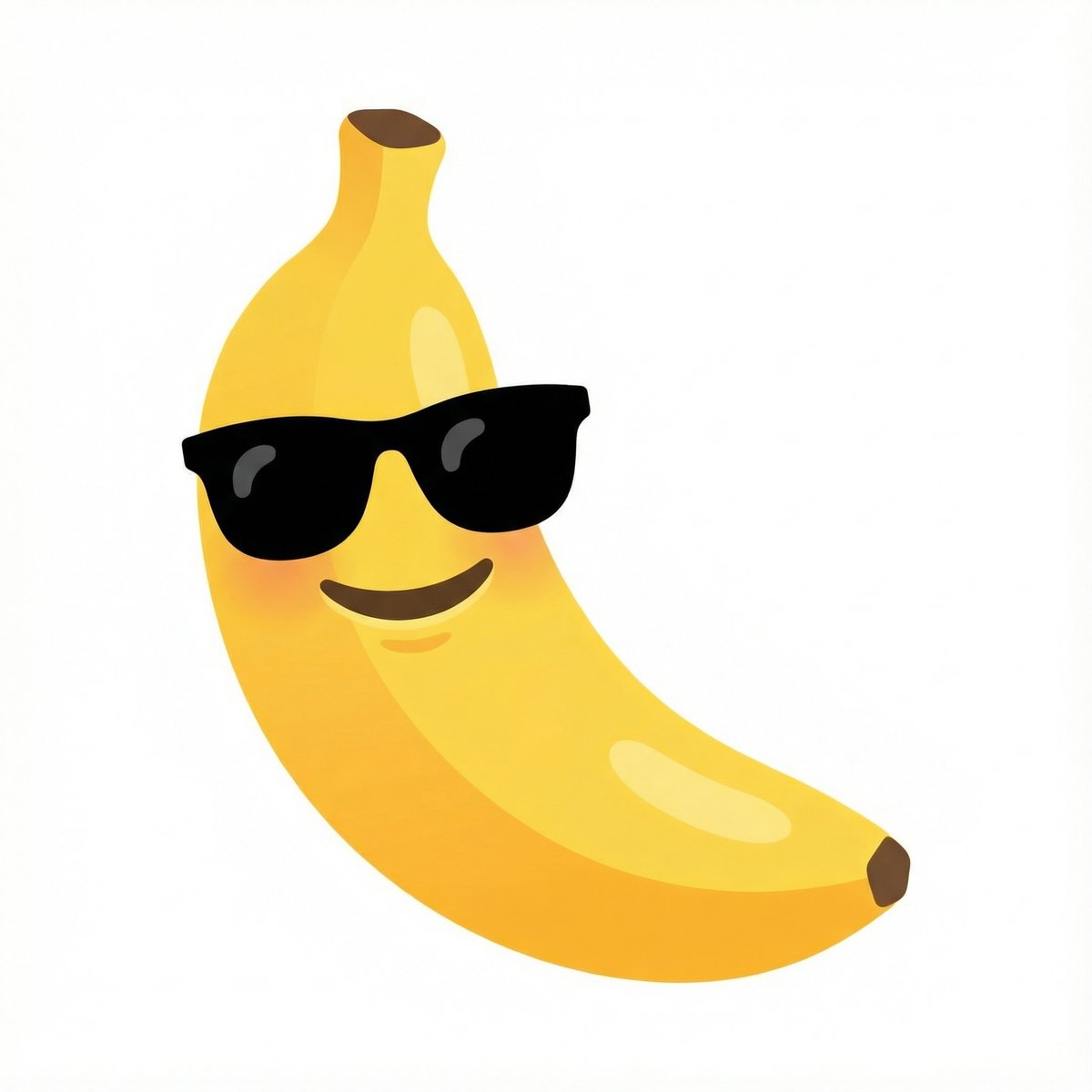
Emoji Combination - Banana with Sunglasses output
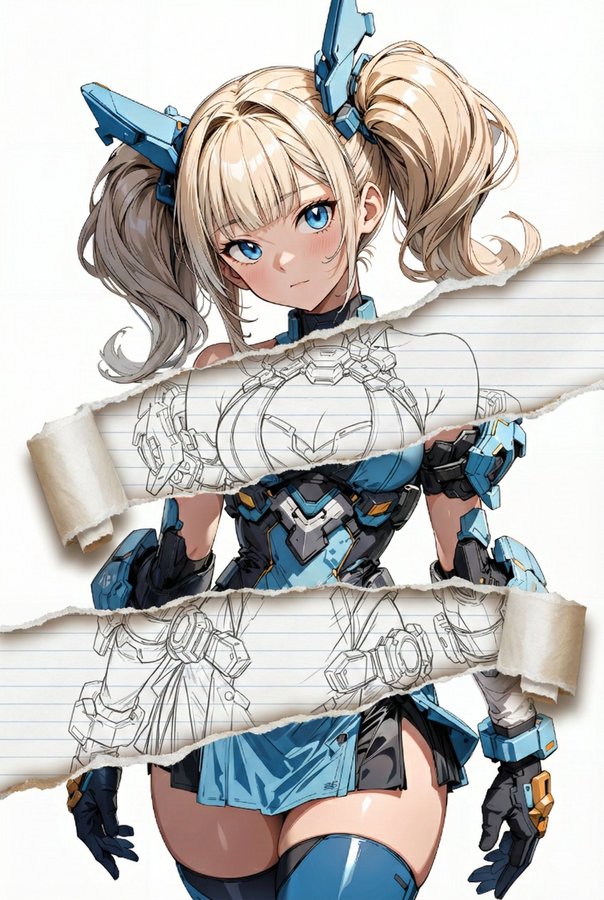
Torn Paper Art Effect output
Cinematic Keyframe Generator output
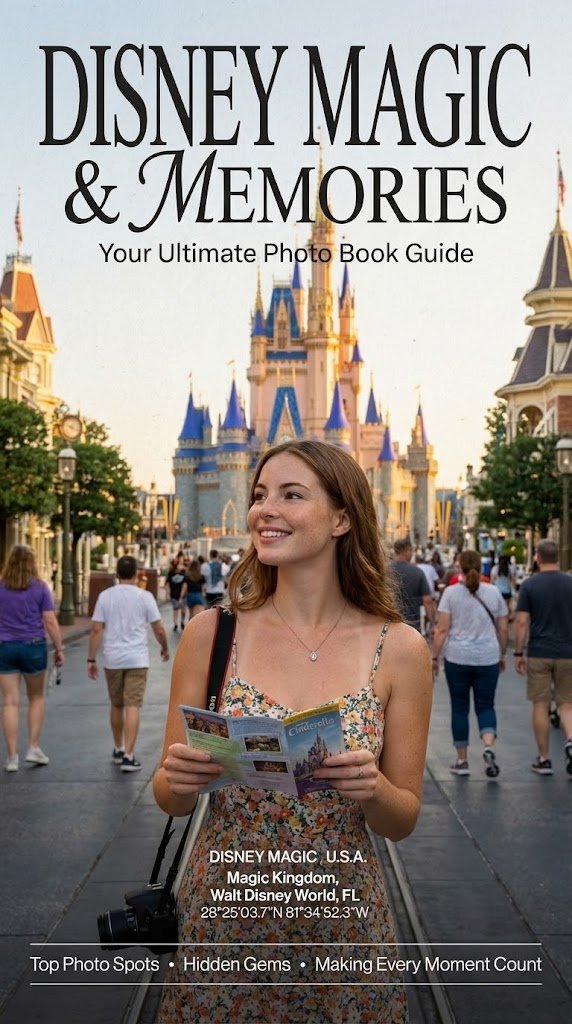
Photo Book Style Magazine Cover with Coordinates output
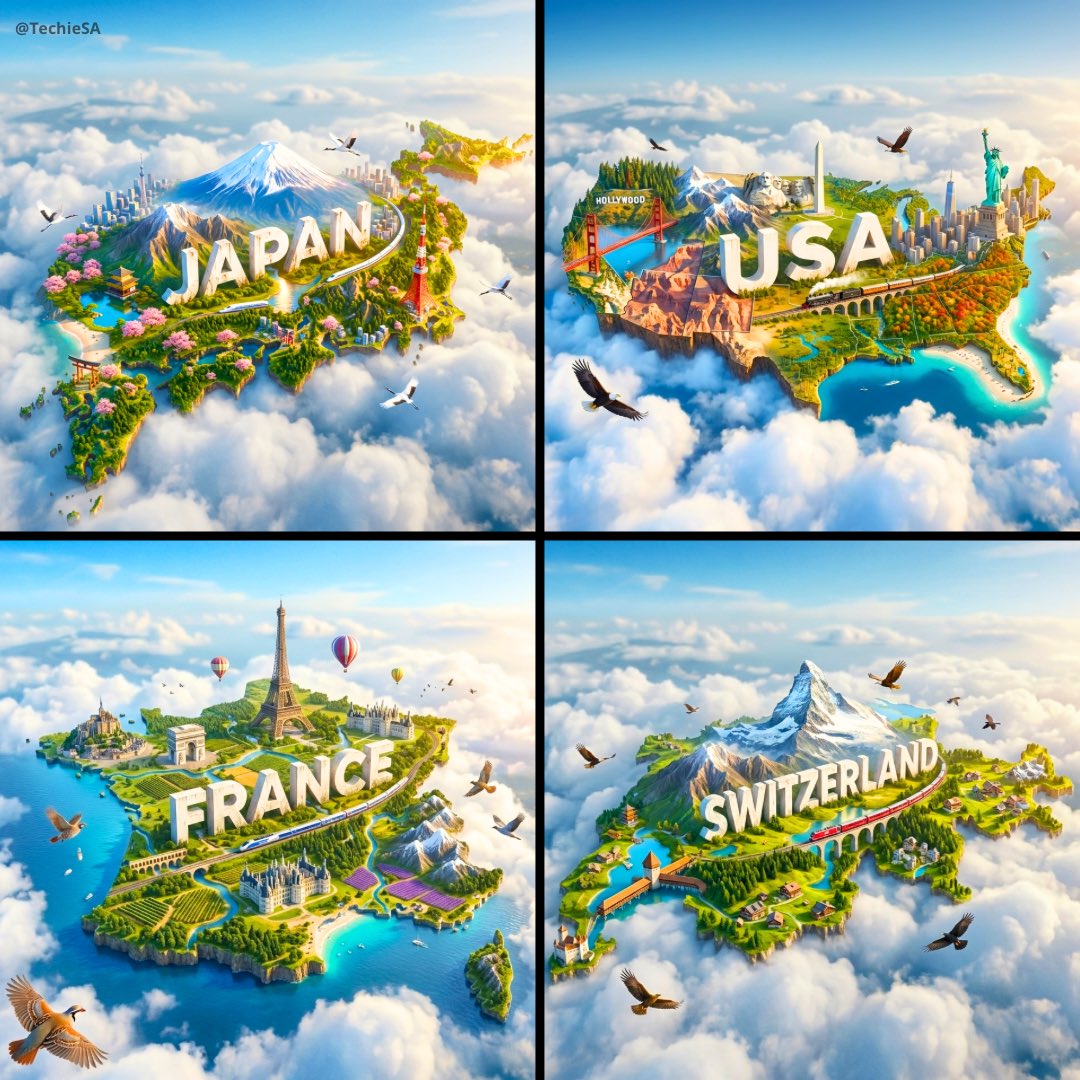
Floating Country Island Diorama output
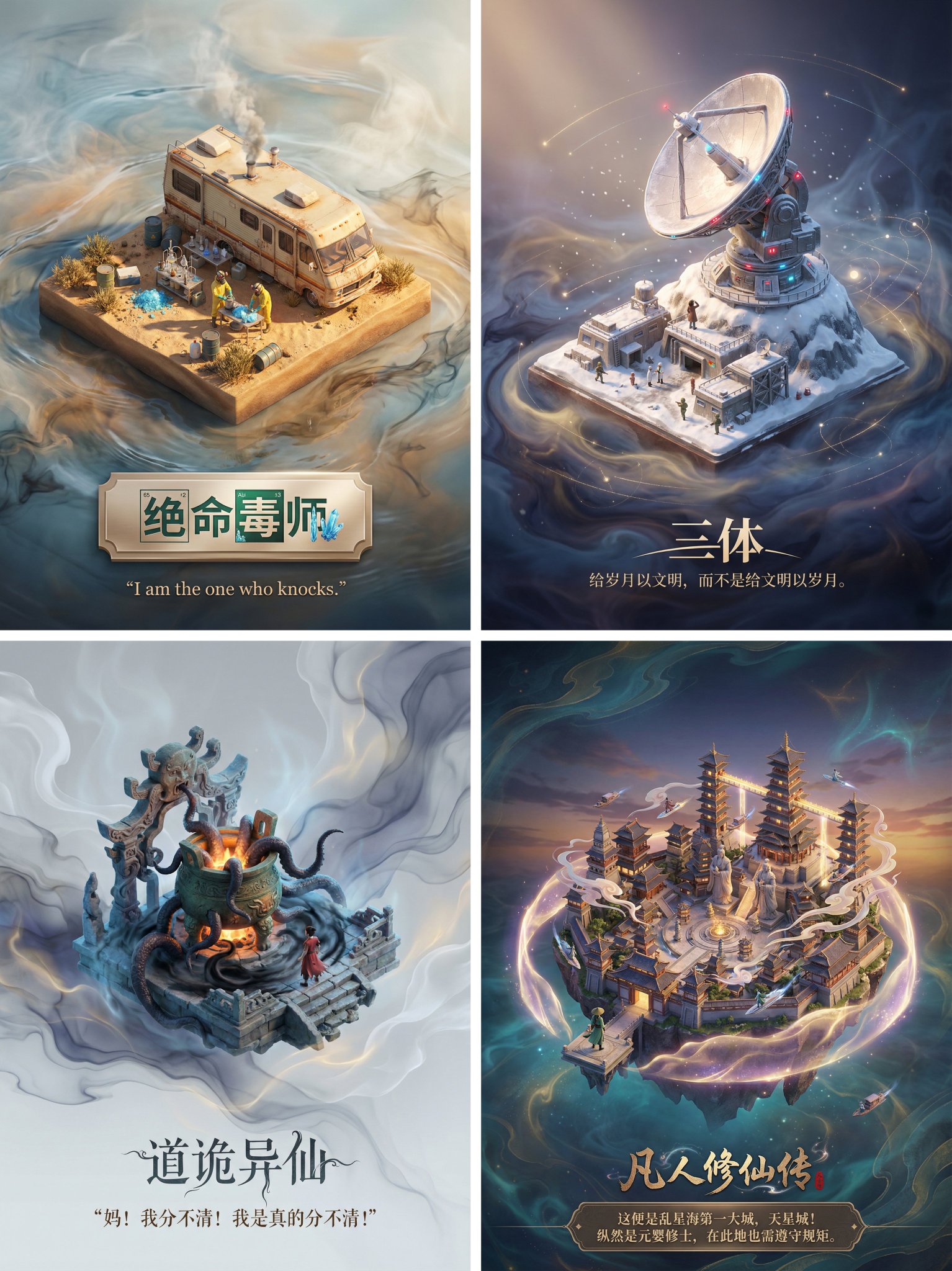
Novel Scene 3D Poster output
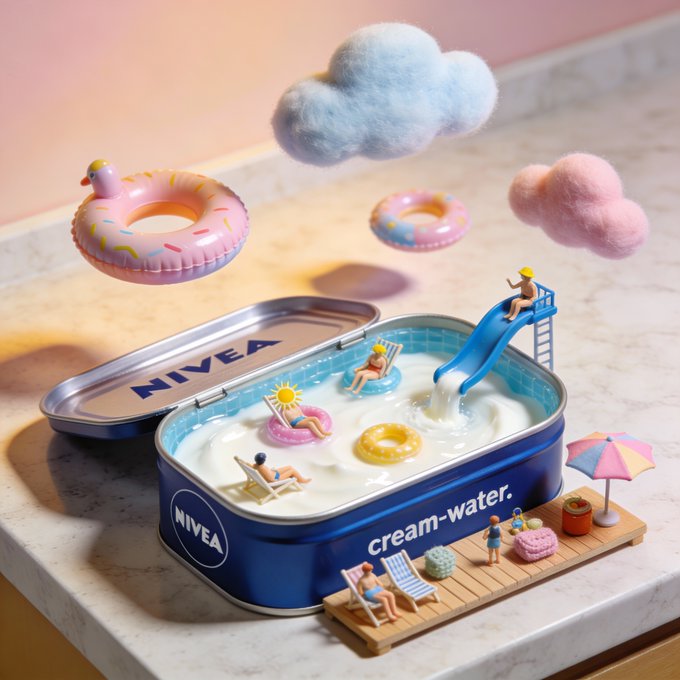
Miniature Swimming Pool Diorama output
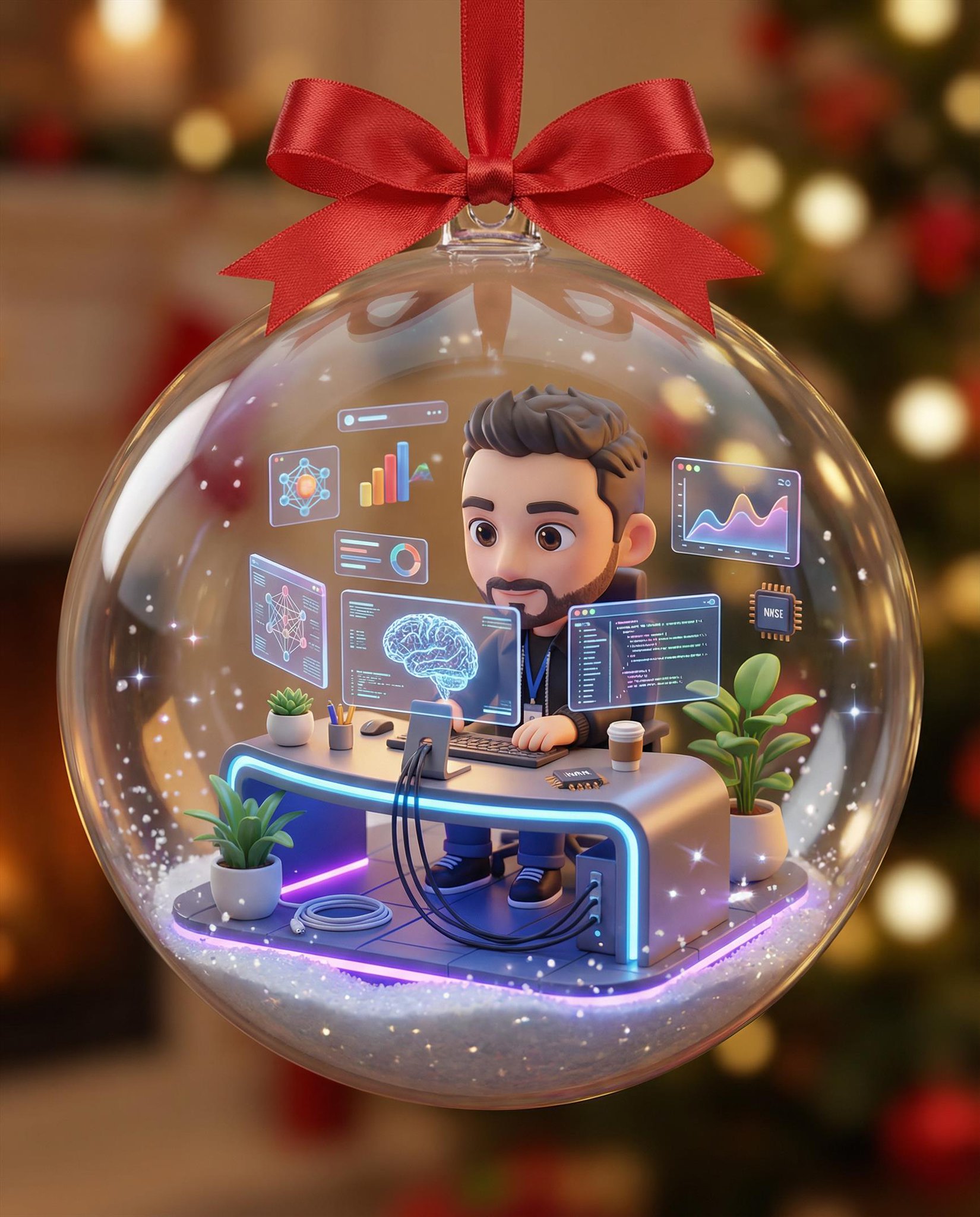
Christmas Ornament 3D Character output
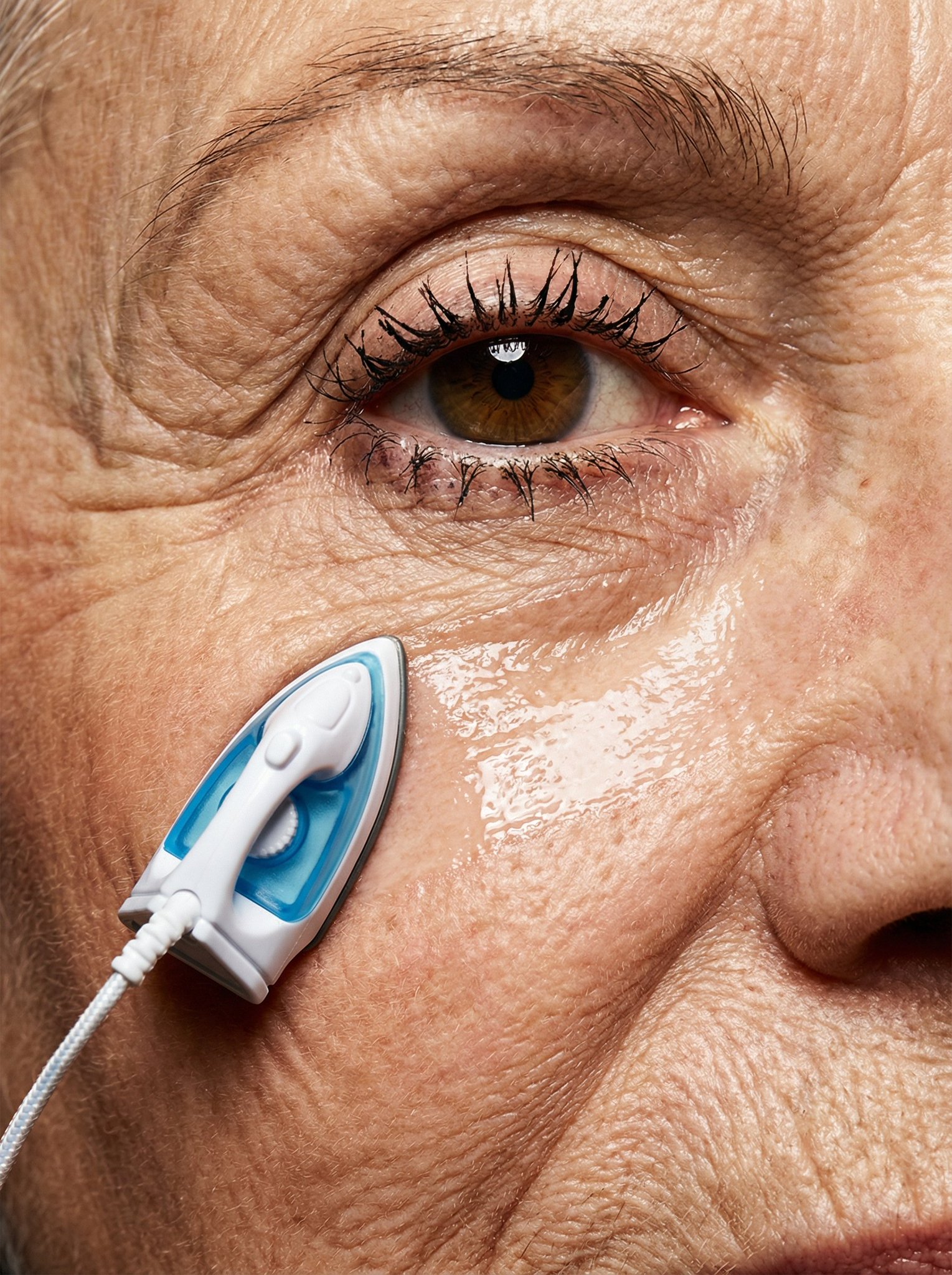
Ironing Out Wrinkles output
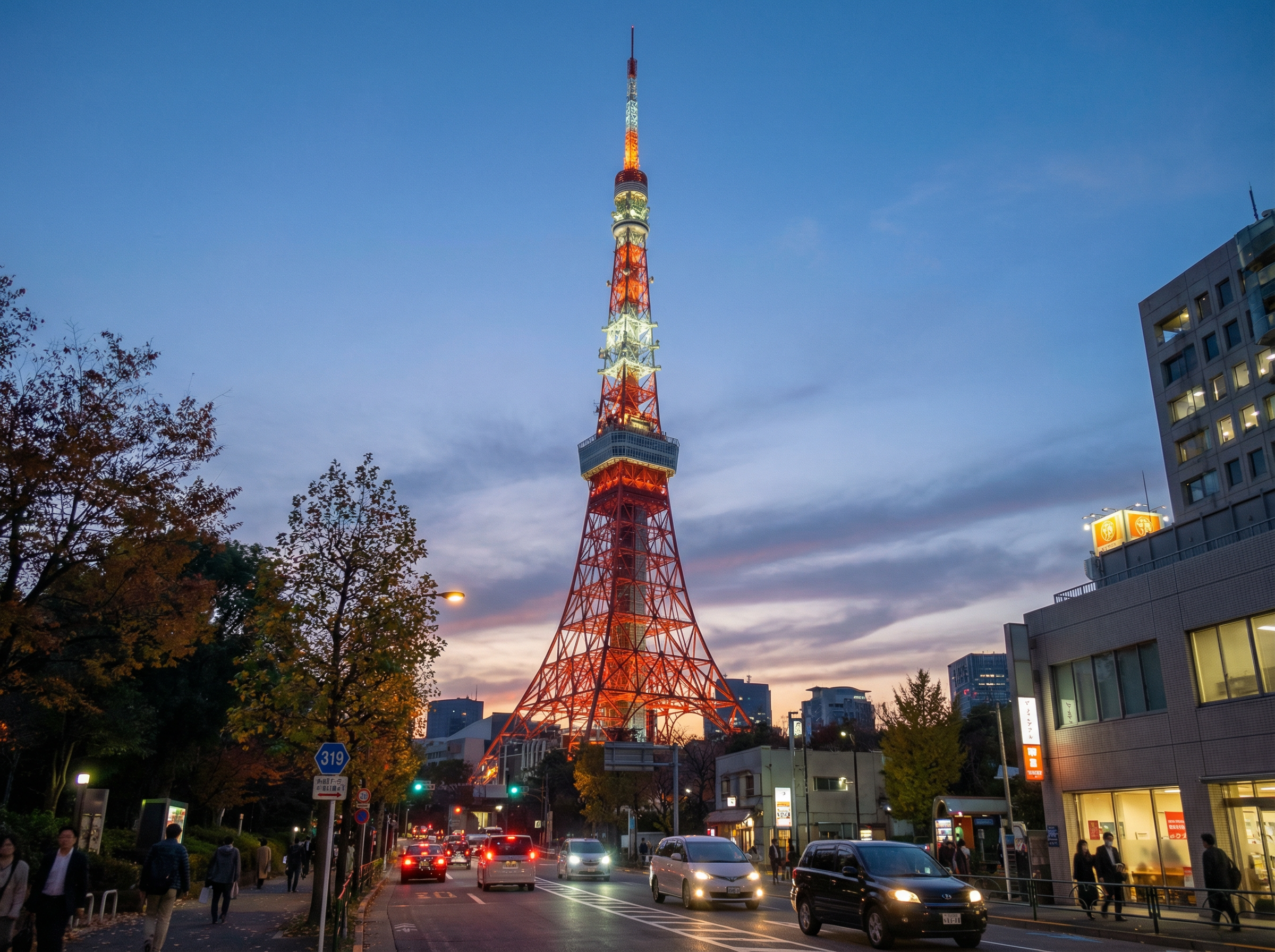
Perfectly Isometric Photography output
Extreme Wide Angle Phone Screen Replacement output
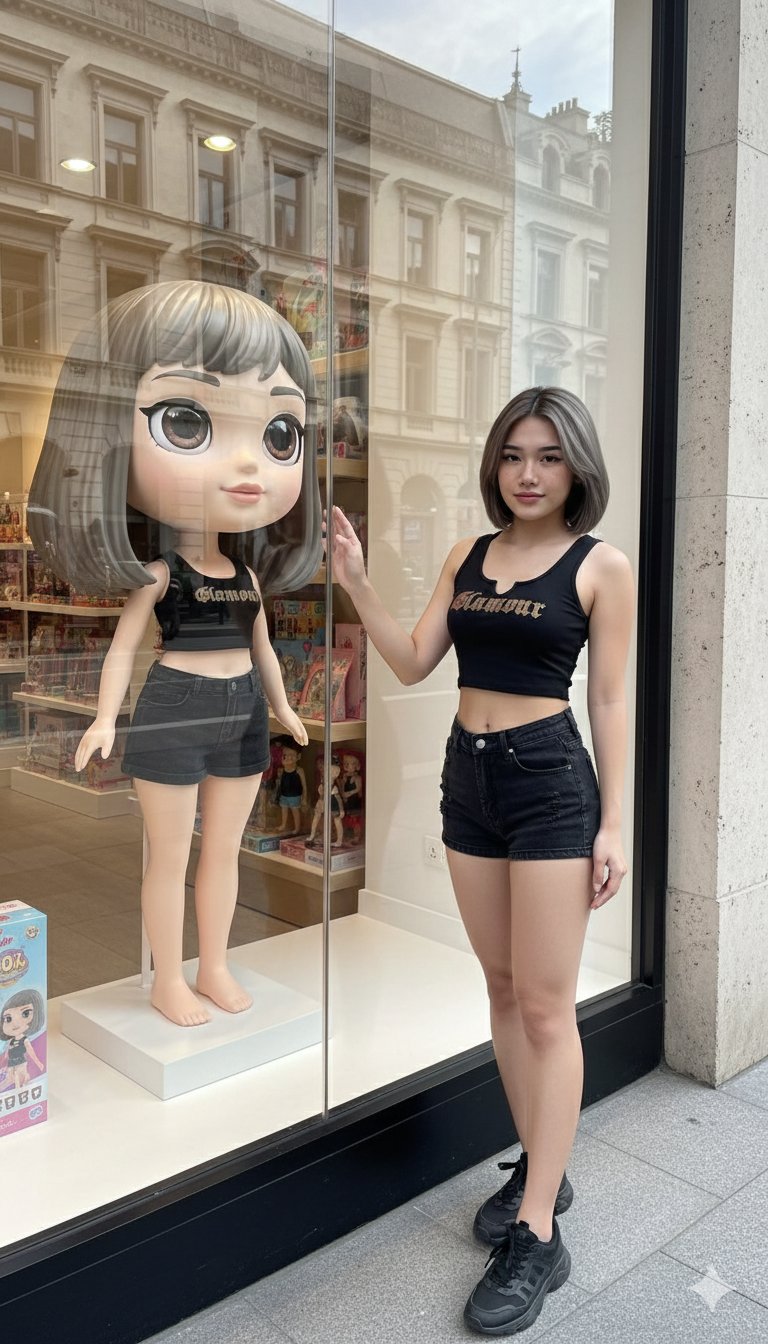
Shop Window Cartoon Reflection output
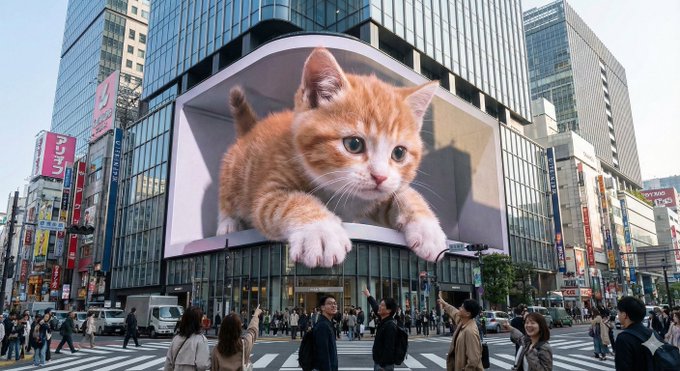
Urban 3D LED Display output
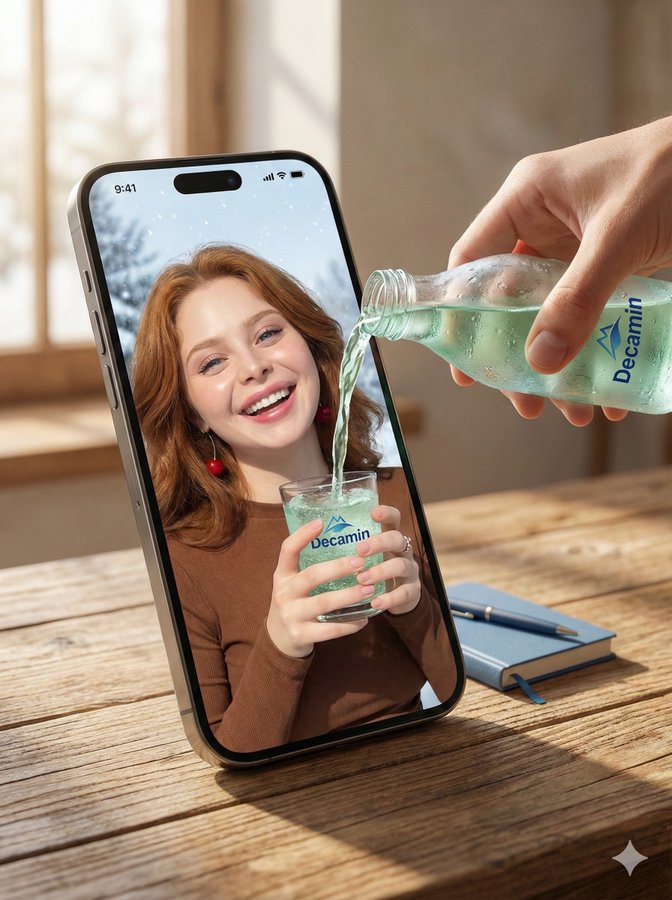
Trans-Dimensional Liquid Pour output
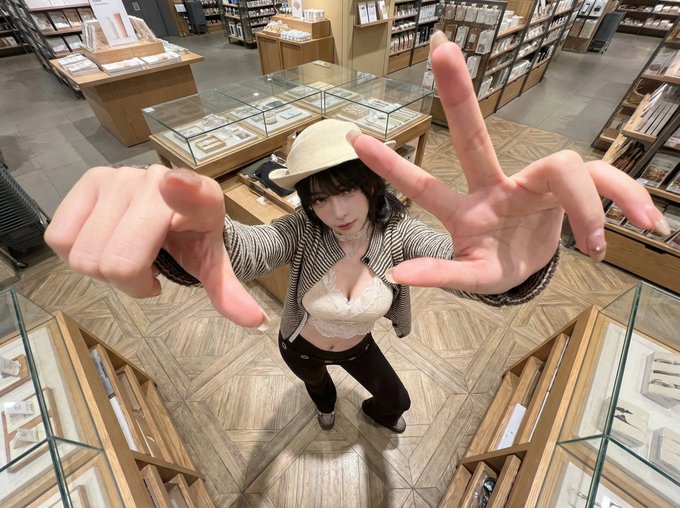
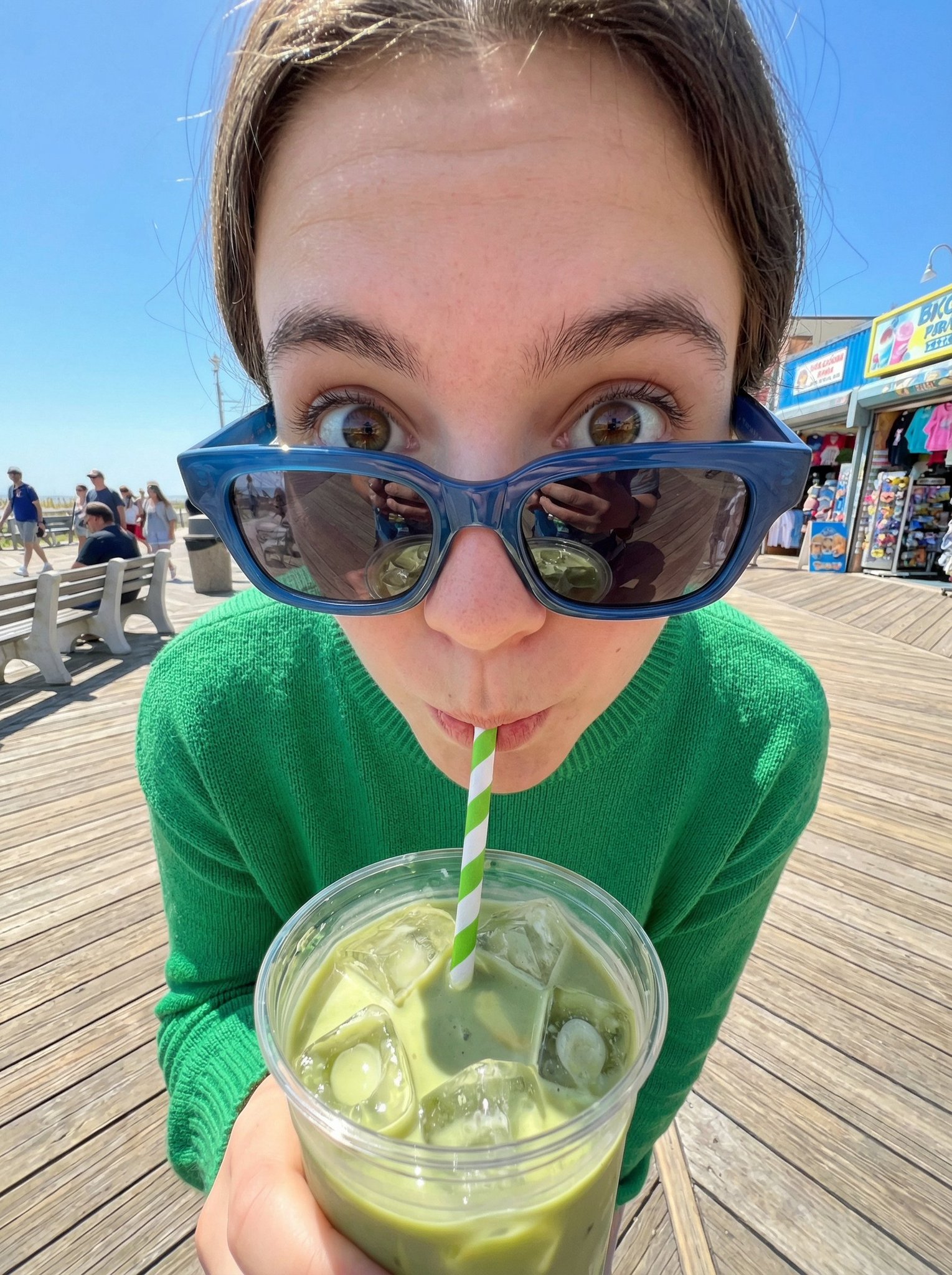
Fisheye Matcha Girl output
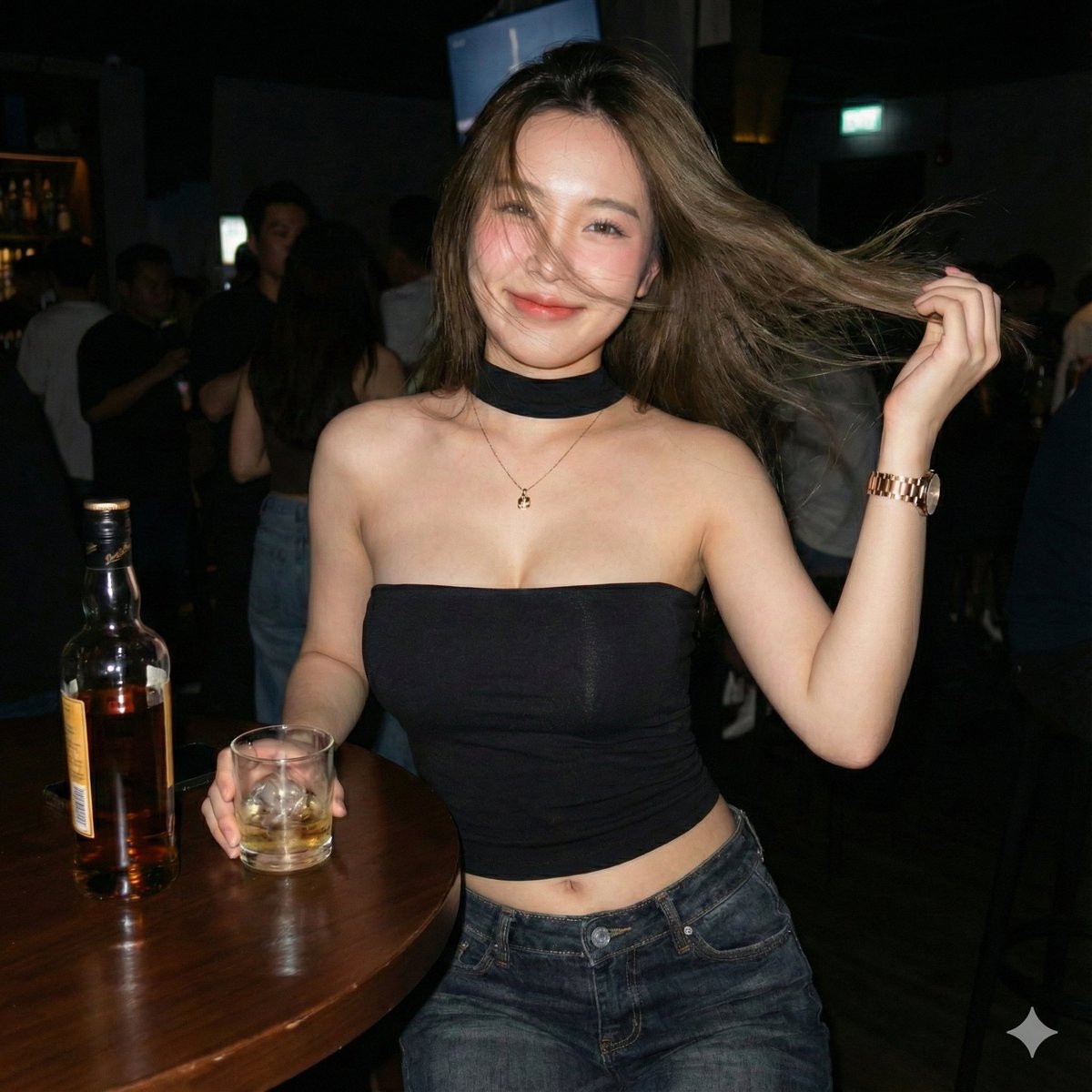
Canon IXUS Aesthetic Portrait output
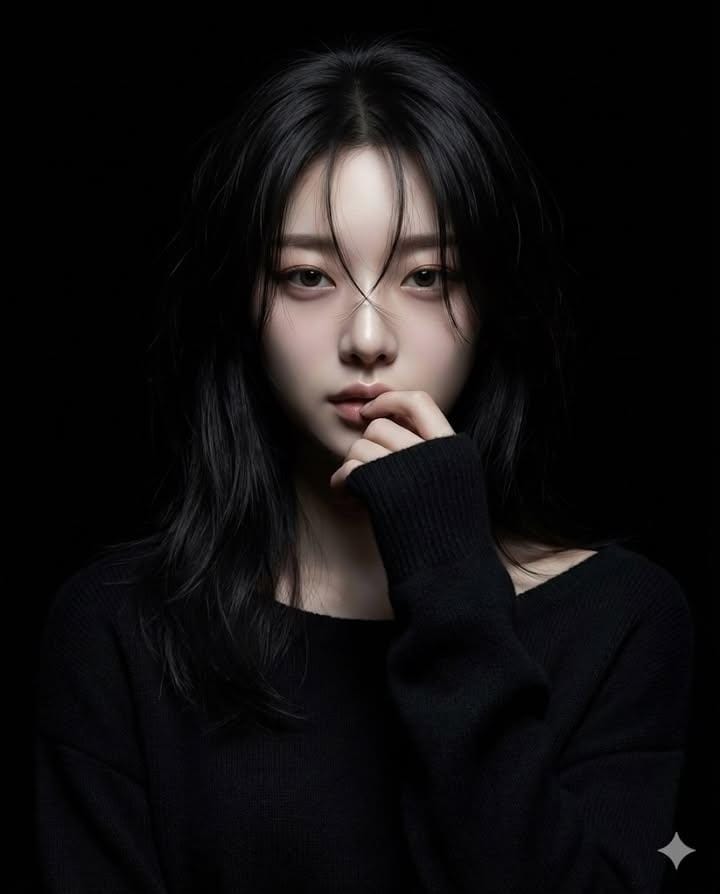
Hyperrealistic Anime Portrait Spotlight output
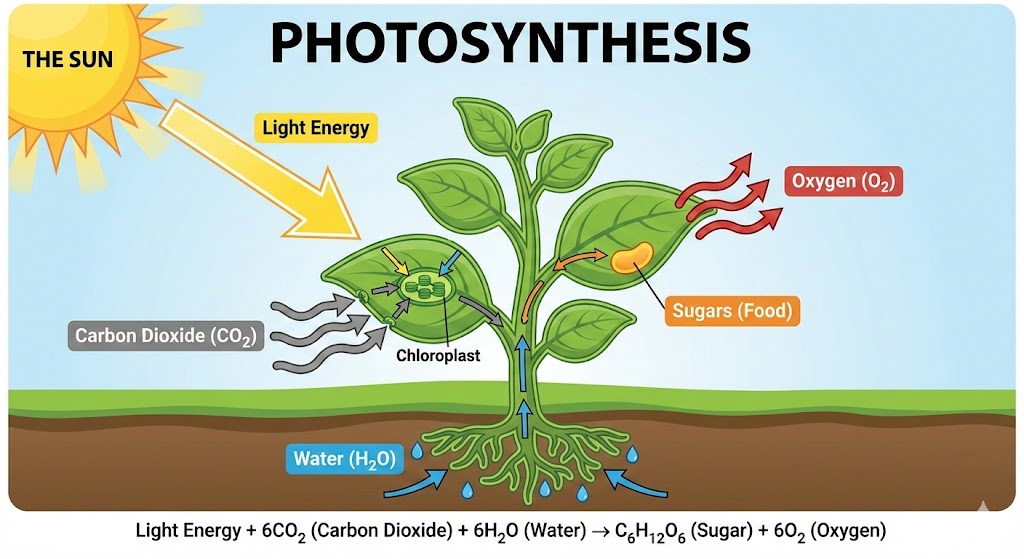
Concept Visualization (Text to Infographic) output
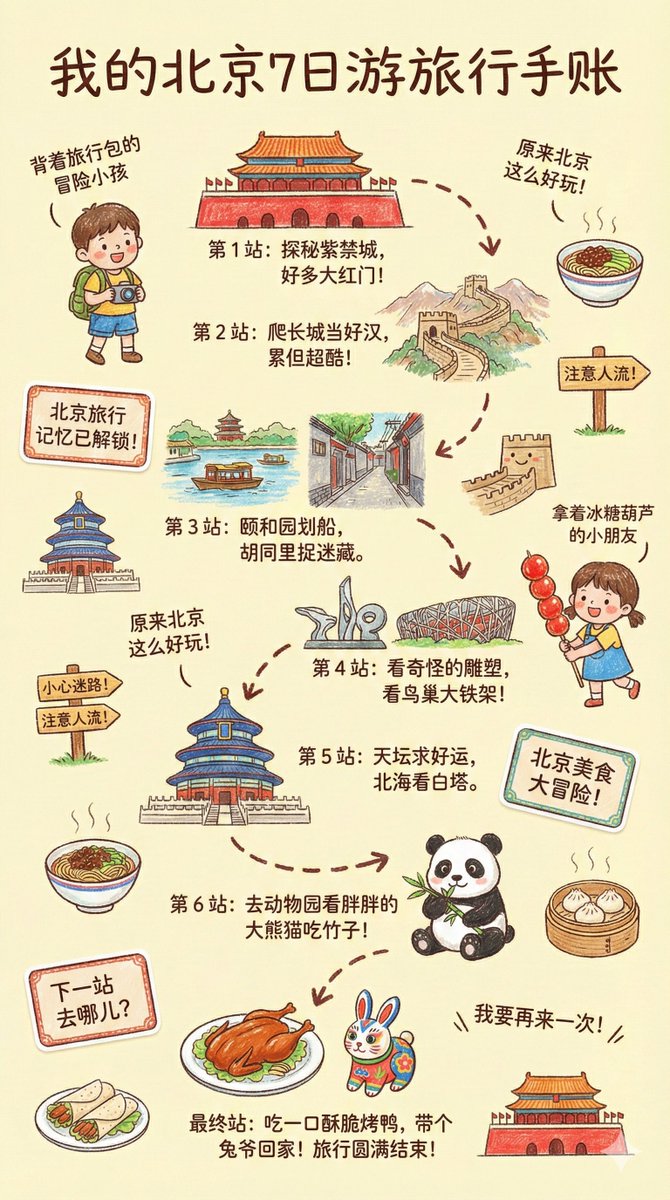
Kids' Crayon Travel Journal Illustrator output
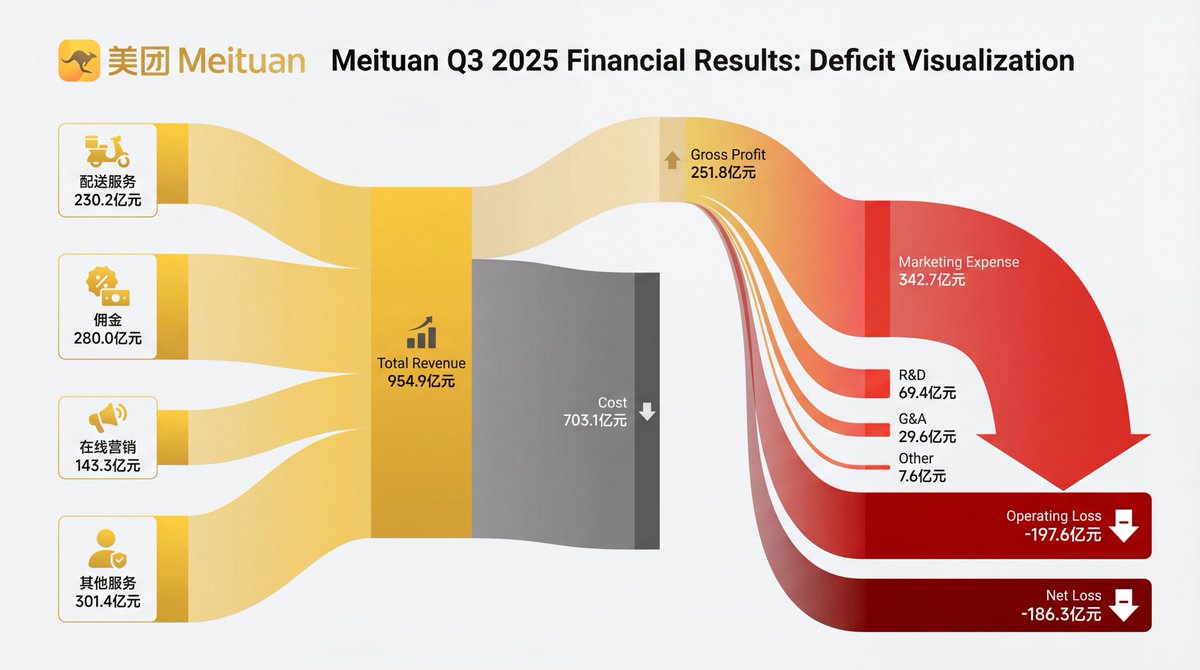
Financial Sankey Diagram Visualization output
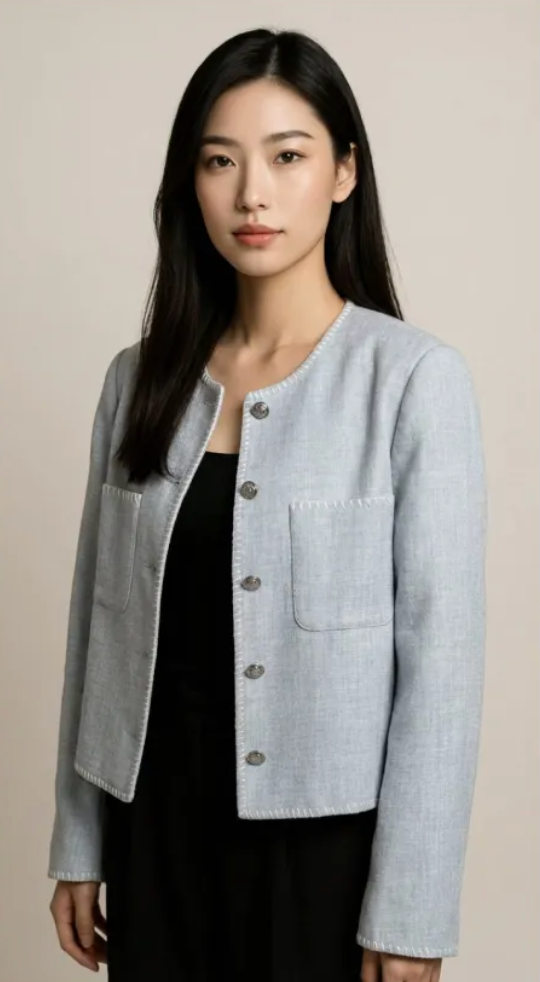
Virtual Model Try-On output
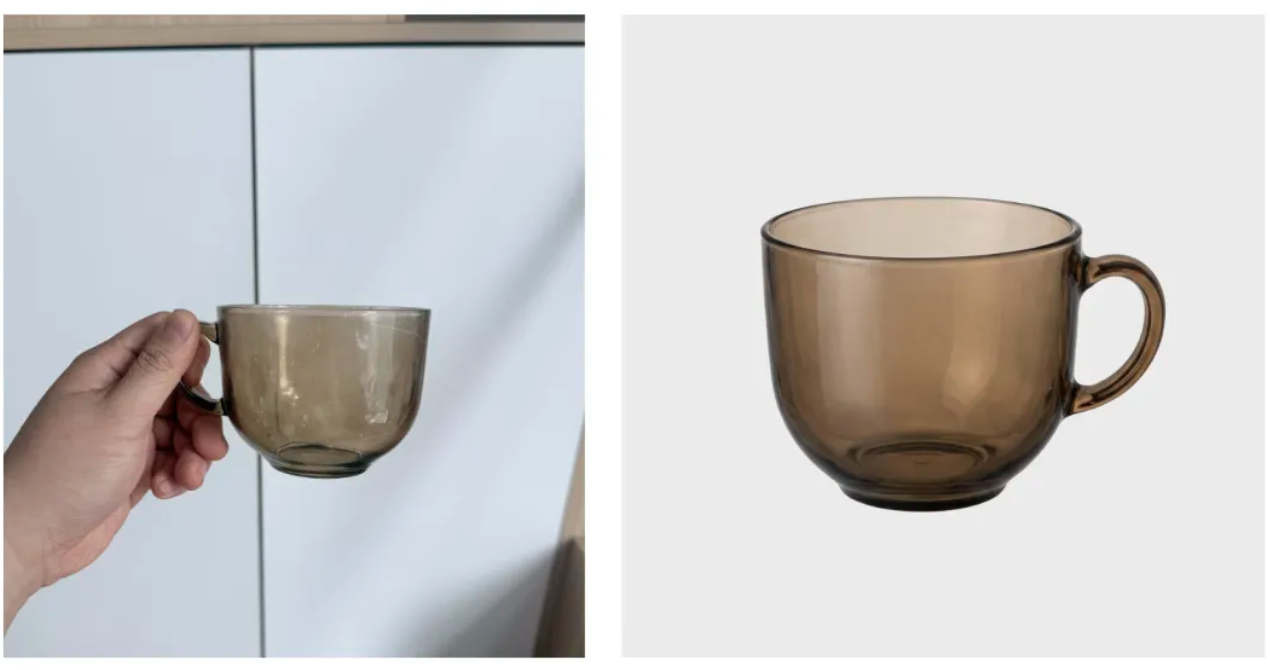
Professional Product Photography output
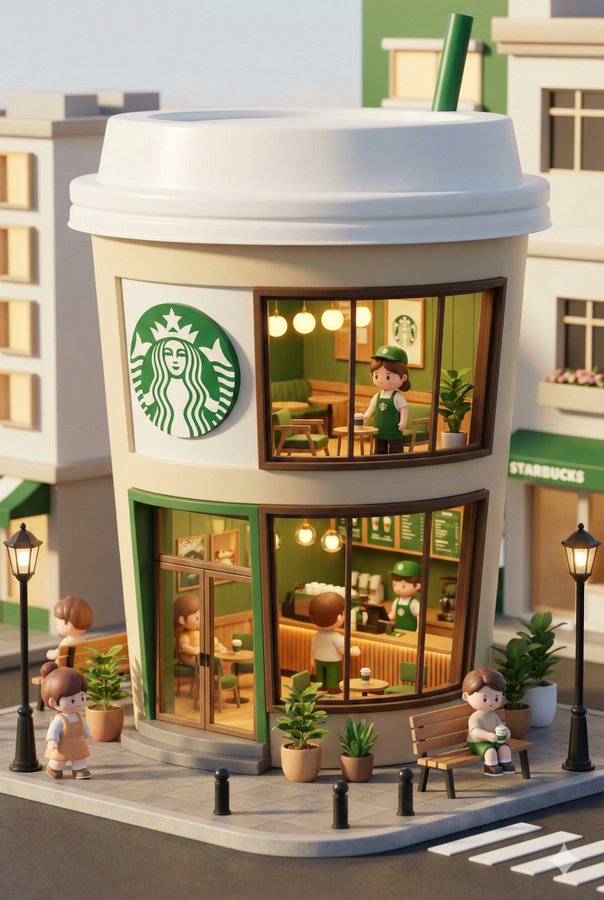
3D Chibi-Style Miniature Brand Store output
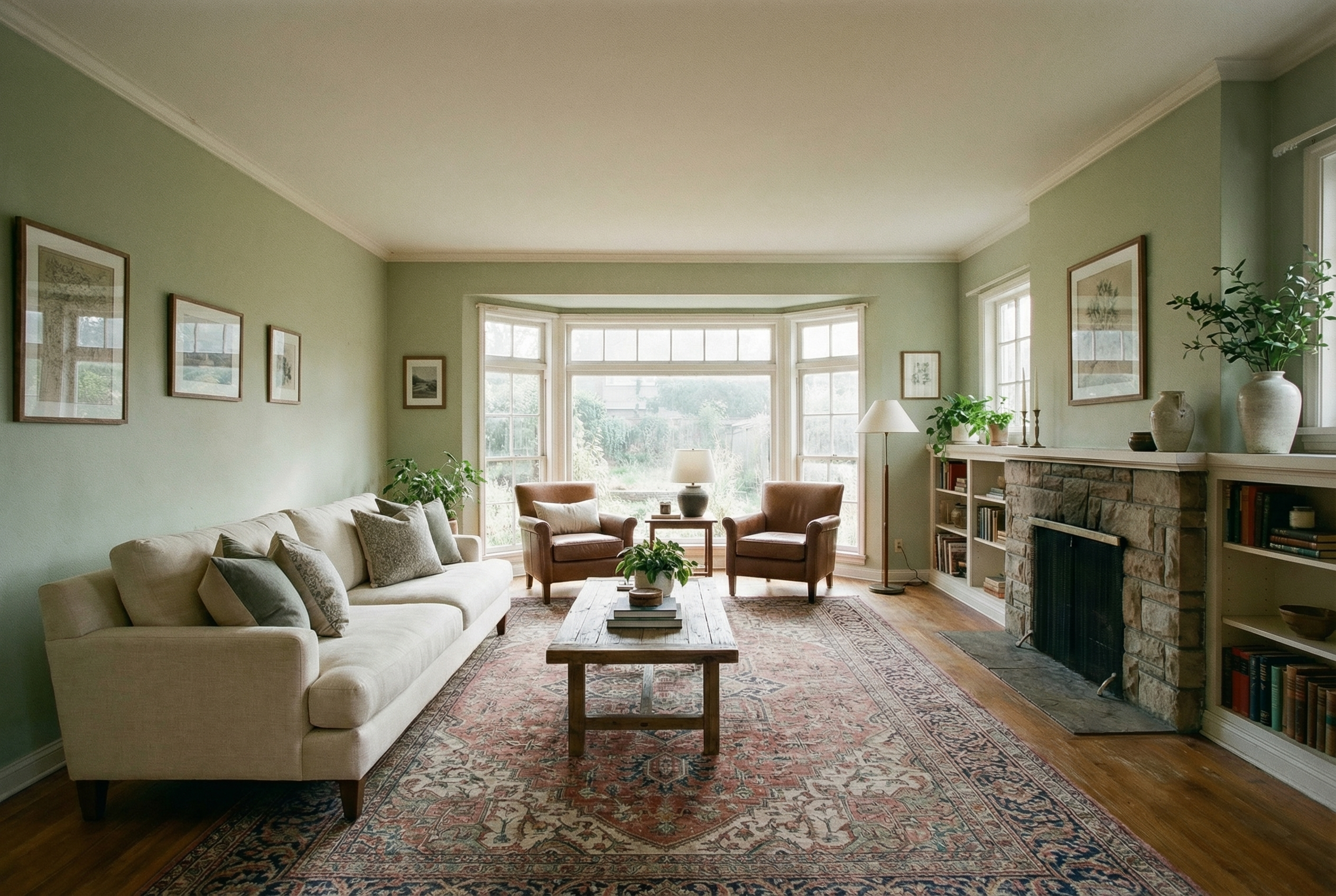
Room Furnishing Visualization output
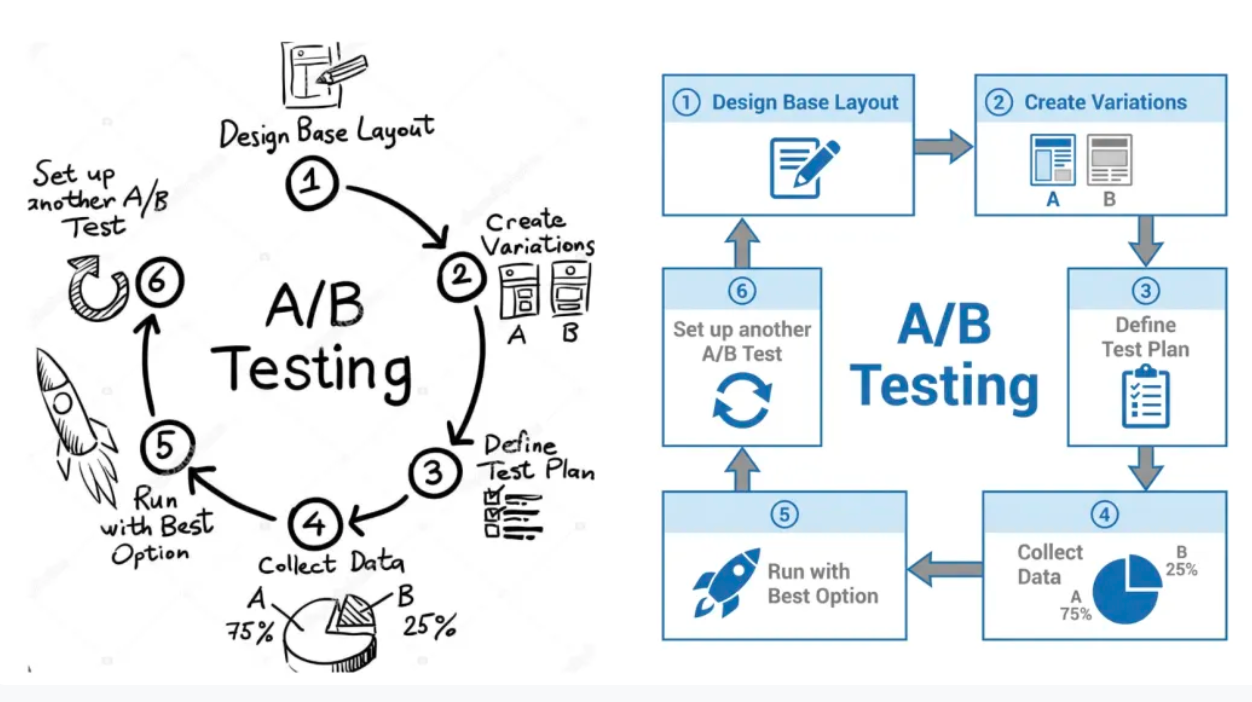
Hand-drawn Flowchart to Corporate Charts output
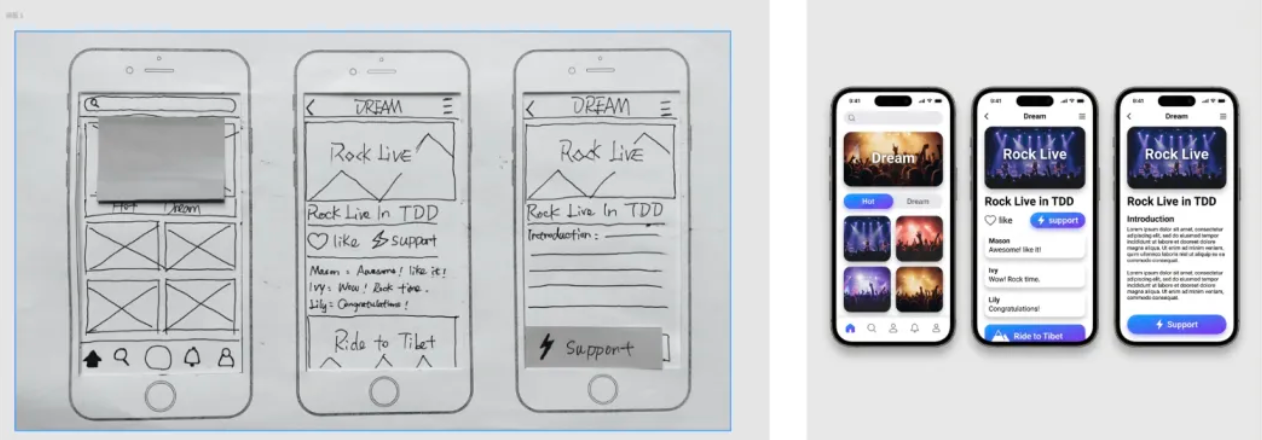
UI Hand-drawn Sketch to High-Fidelity Prototype output
Magazine Layout Generator output
Composition Rescue (Smart Outpainting) output
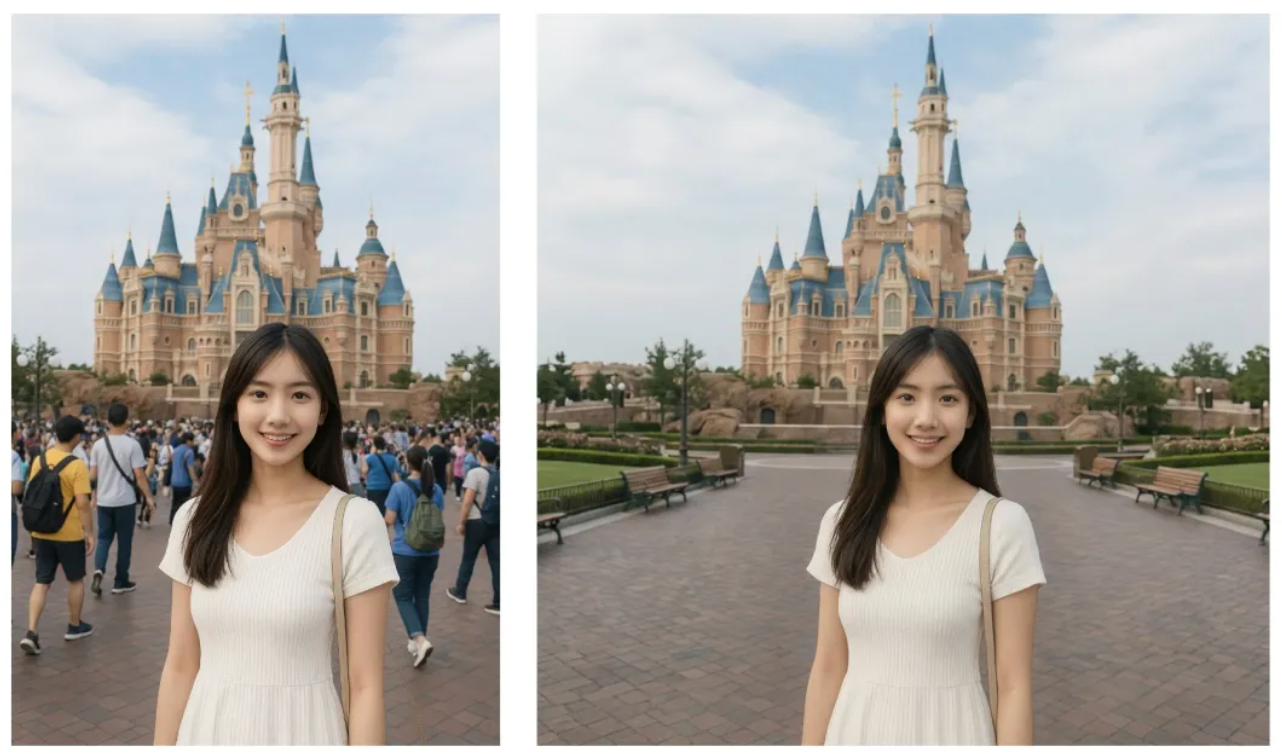
Smart Crowd Removal output
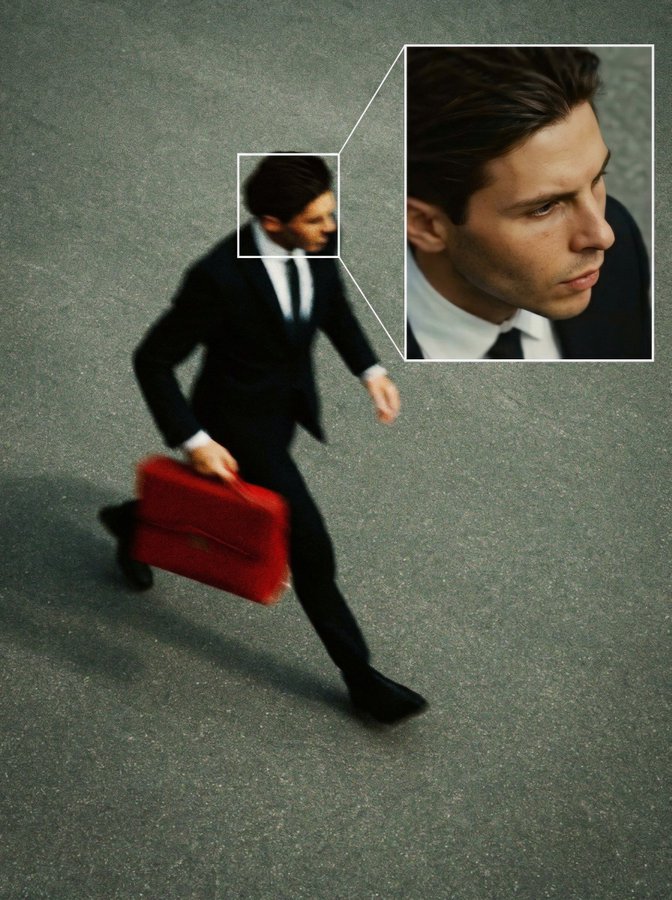
Face Detection CCTV Simulation output
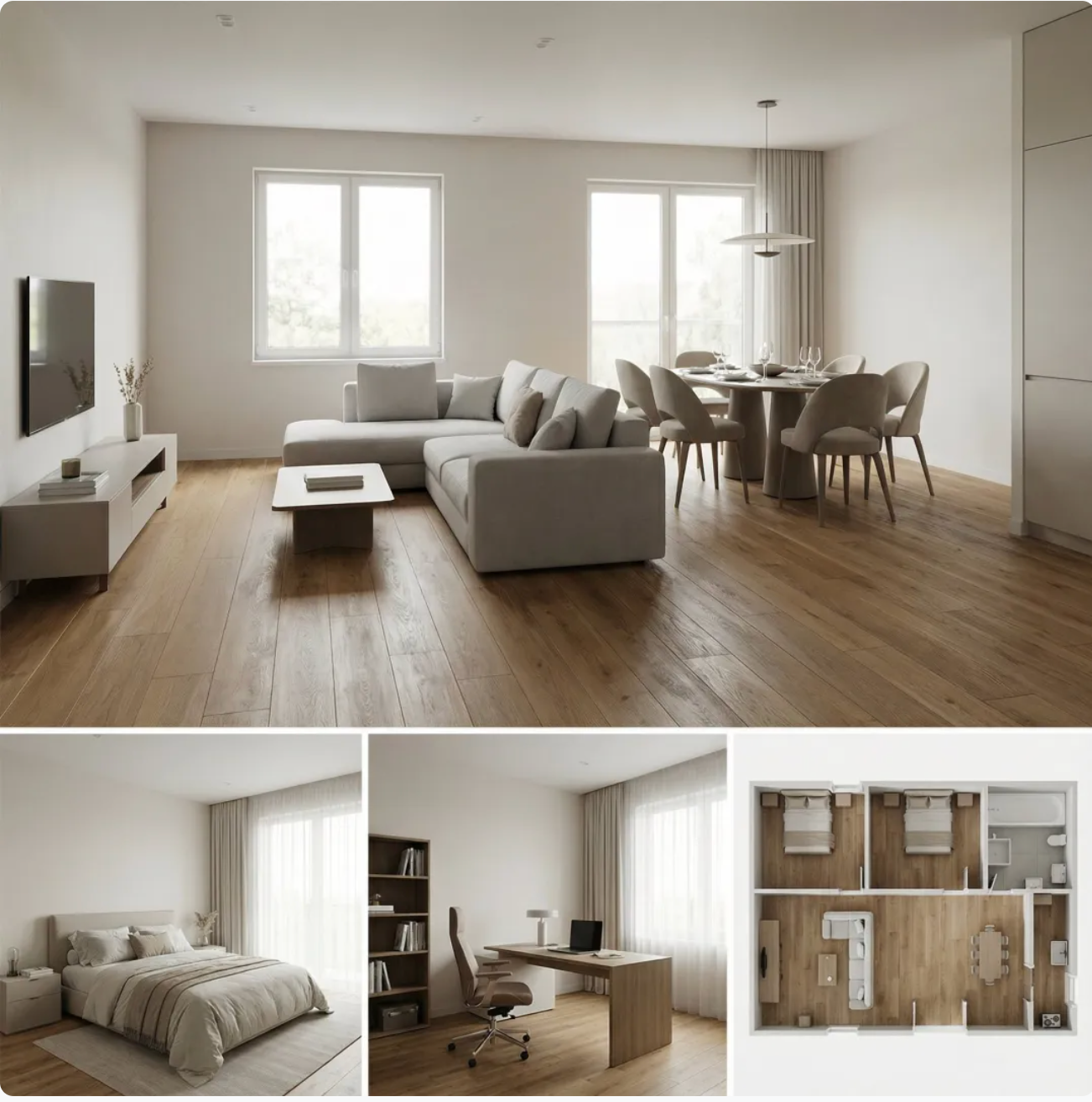
Hard Furnishing Preview (Floor Plan to Design) output
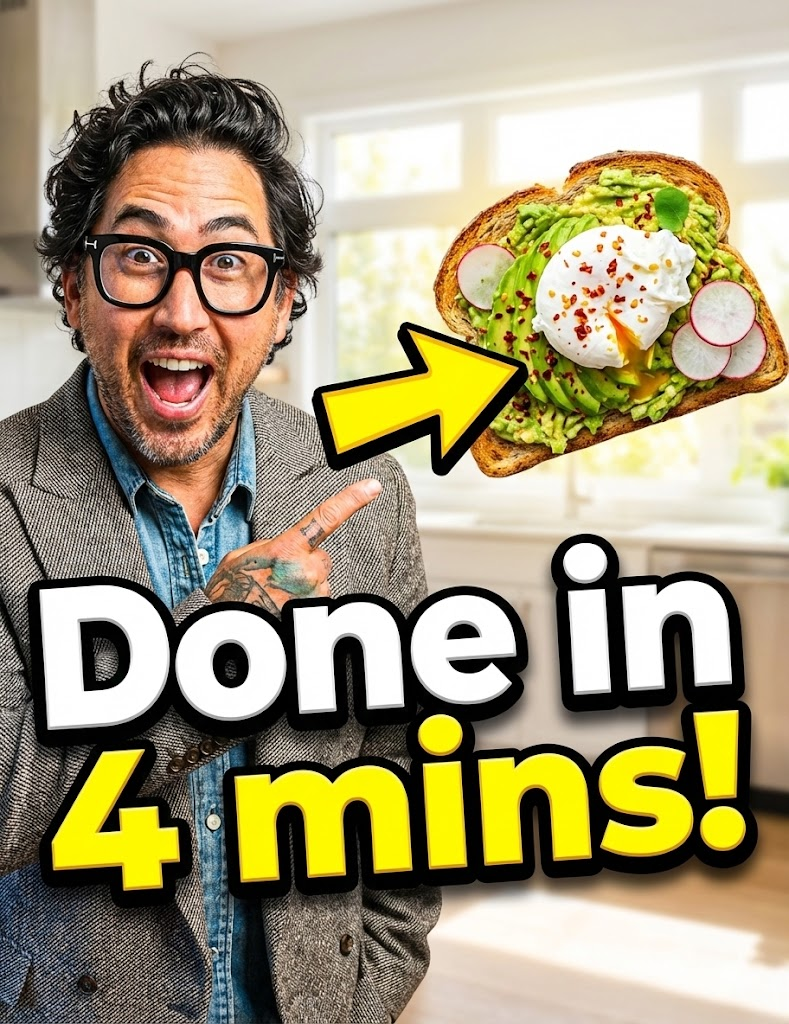
Viral Cover Image (Youtube/Douyin/TikTok) output
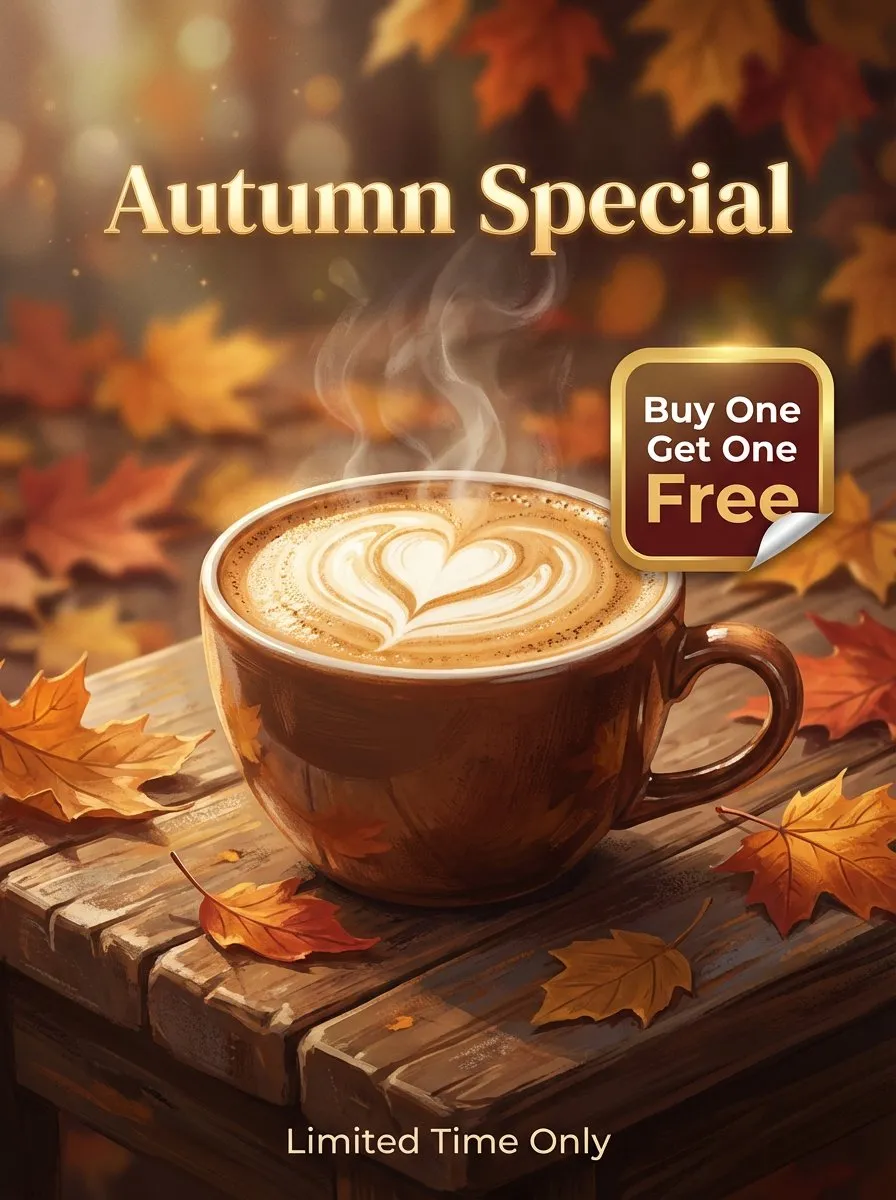
Commercial Promotional Poster output
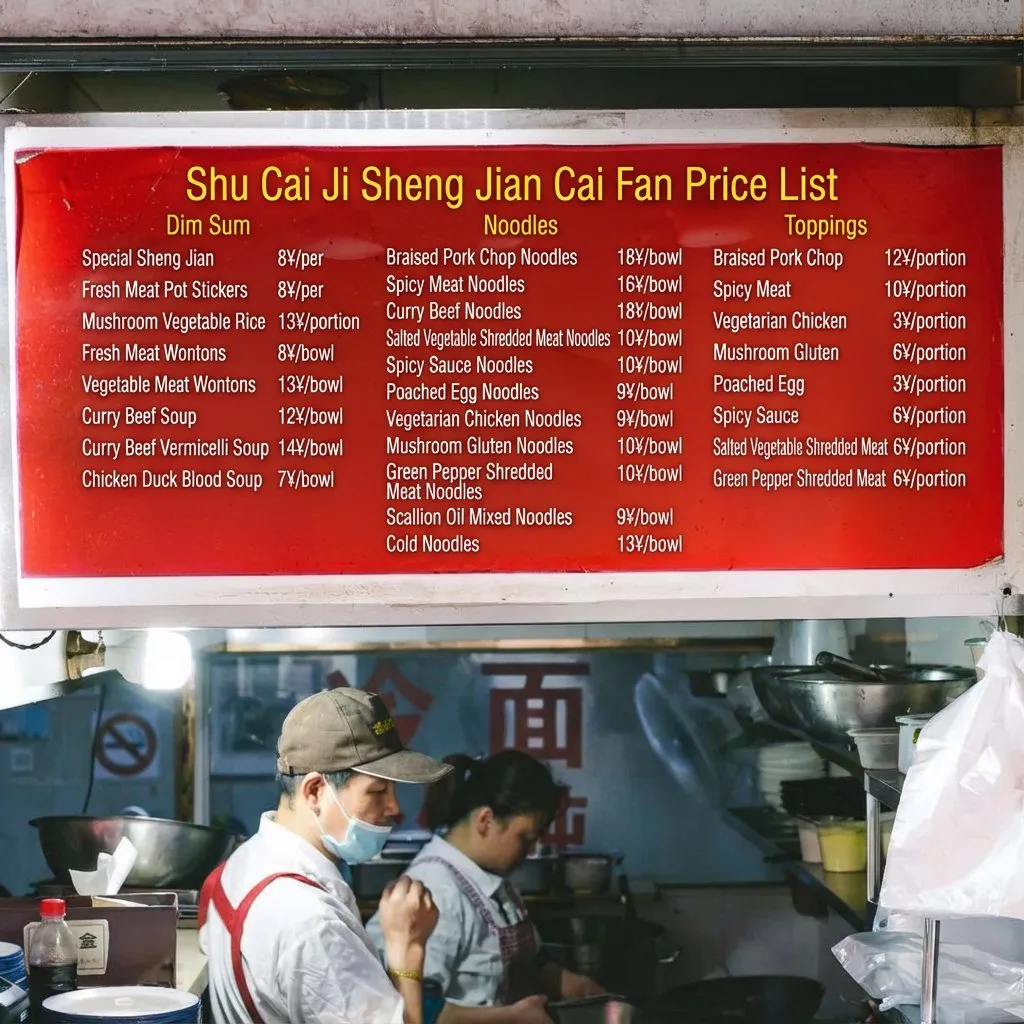
Physical Store/Travel Translation output
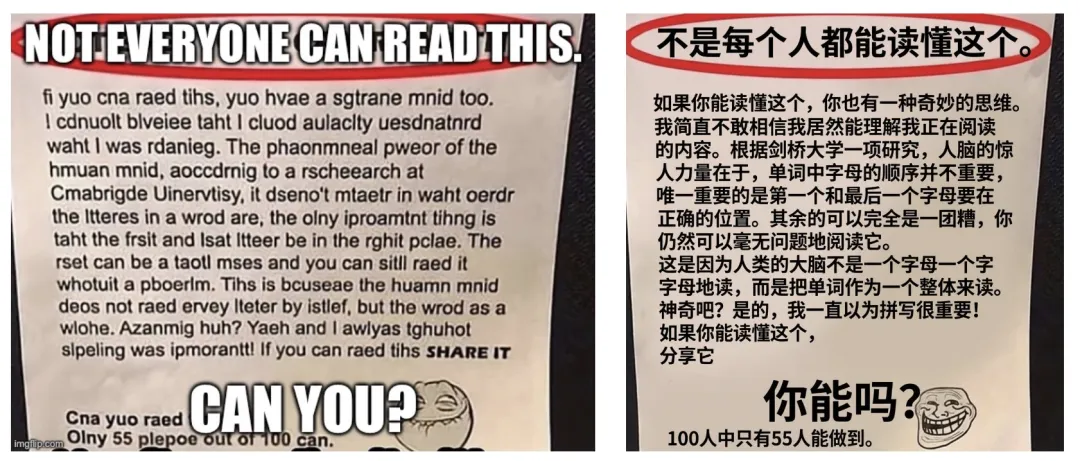
Digital Content Localization (Comics/Memes) output
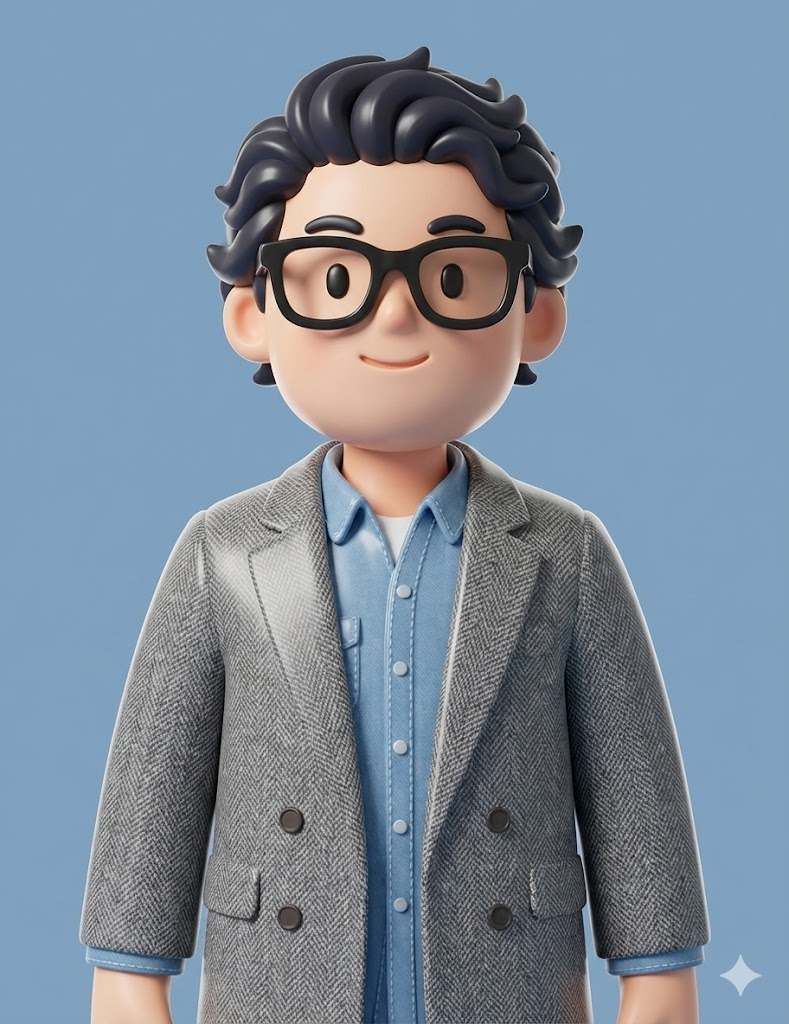
3D Blind Box Style Avatar output
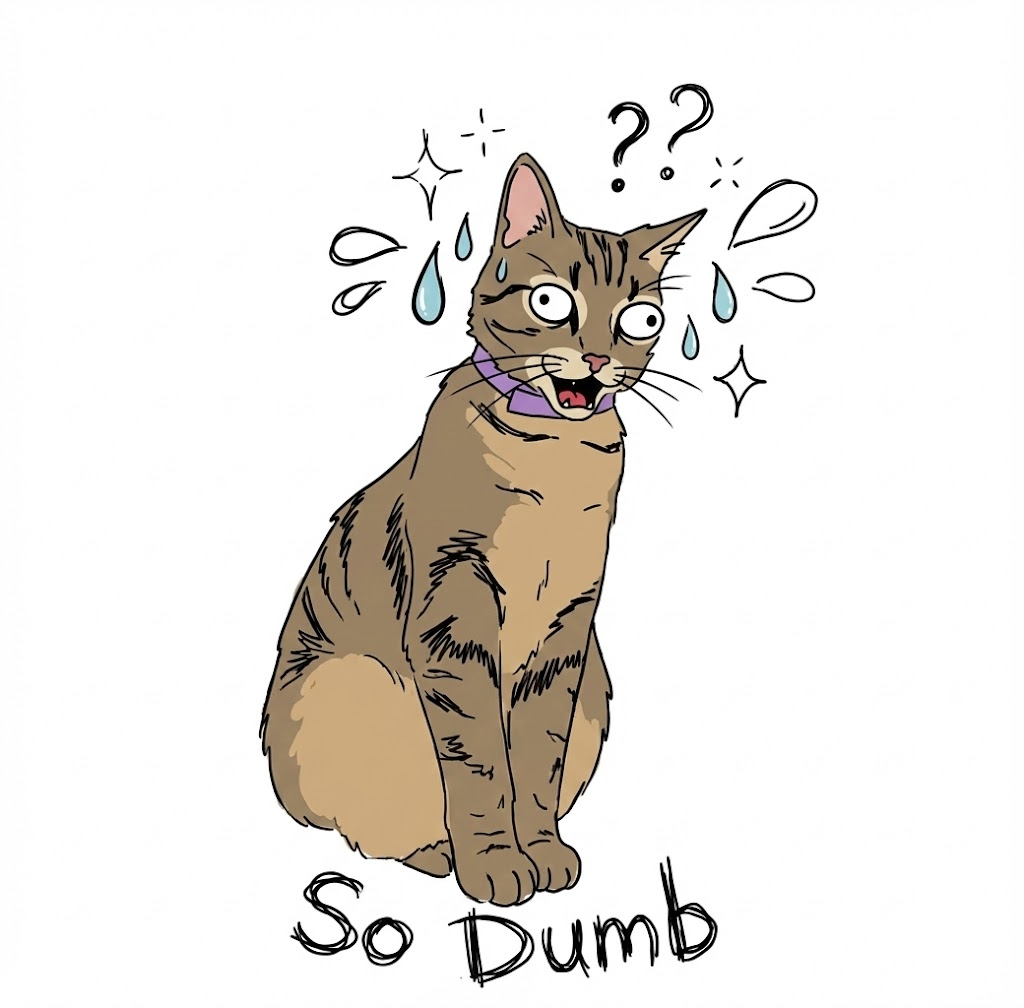
Pet Meme Creation output
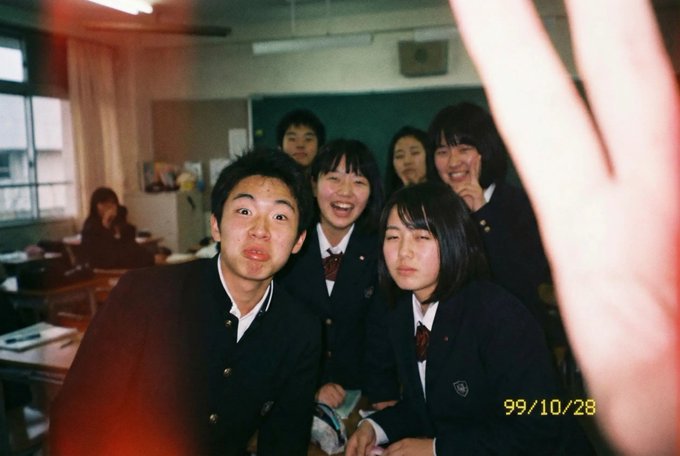
Japanese High School Student Snap Photo output
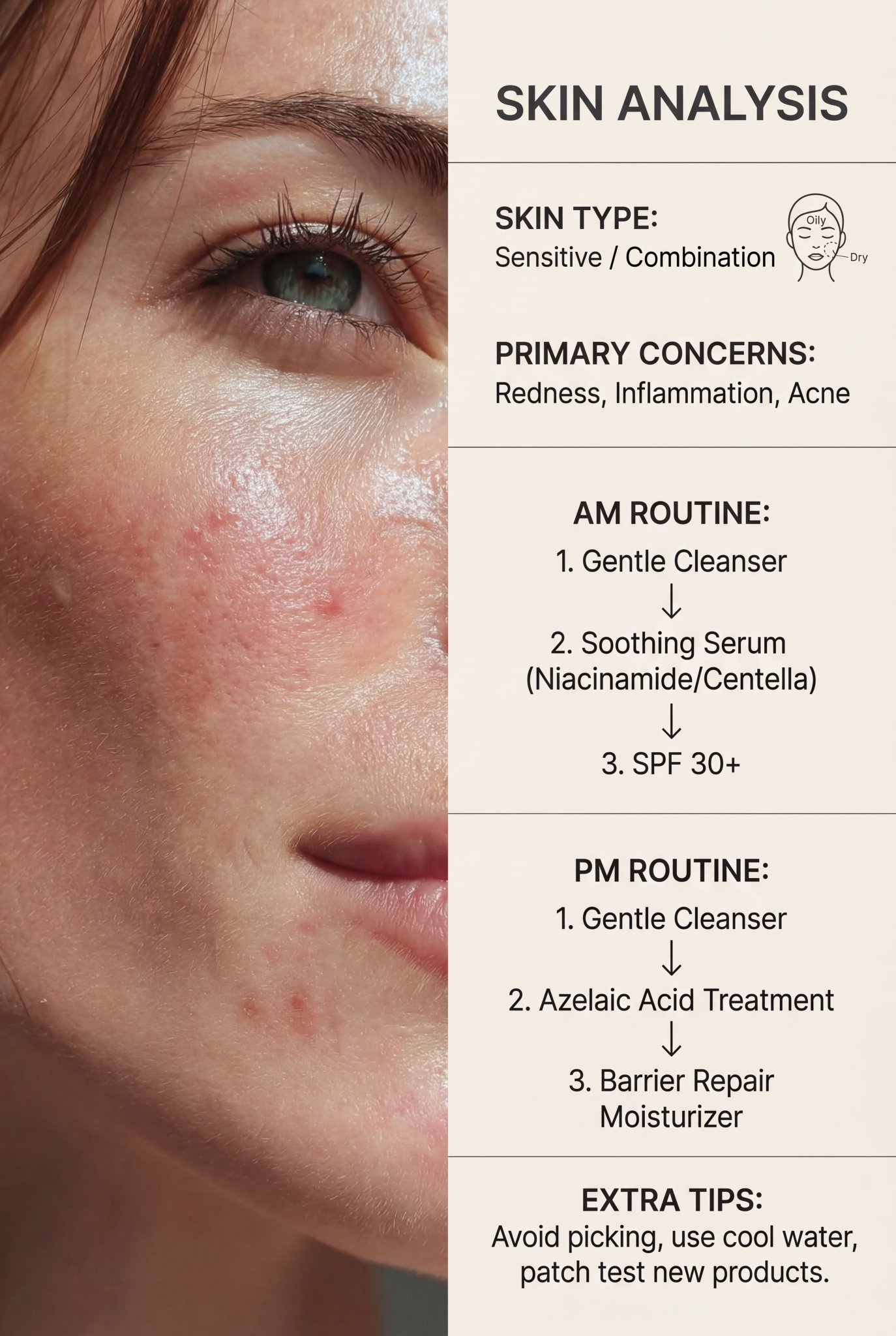
AI Skin Analysis and Skincare Routine output

추천 Banana Prompts

Nano Banana 2에 맞춘 고효율 Banana Prompts 패턴 6가지로 속도, 일관성, 지시 정확도, 프로덕션 품질을 높입니다.

빠른 반복 프롬프트

Nano Banana 2에 최적화된 Banana Prompts로 시각적 안정성을 유지한 채 다양한 버전을 빠르게 테스트할 수 있습니다.

맥락 기반의 정확한 출력

맥락 정보를 강화한 Banana Prompts를 사용하면 더 구체적이고 관련성 높은 결과를 프로덕션 용도로 얻을 수 있습니다.

텍스트/현지화 친화적

Banana Prompts는 이미지 내 텍스트 렌더링과 다국어 현지화 워크플로우에 맞게 설계되었습니다.

멀티 피사체 일관성

일관성 중심 Banana Prompts로 장면이 바뀌어도 얼굴, 정체성, 핵심 오브젝트의 일관성을 유지할 수 있습니다.

정밀한 지시 반영

상세한 Banana Prompts는 Nano Banana 2가 구도, 스타일, 동작 제약을 더 정확하게 따르도록 돕습니다.

프로덕션 준비 규격

프로덕션용 Banana Prompts에는 512px부터 4K까지 대응하는 프레이밍/포맷 가이드가 포함됩니다.

자주 묻는 질문

Banana Prompts의 복사-붙여넣기 워크플로우, 프롬프트 품질, 출력 일관성에 대한 자주 묻는 질문입니다.

1

Banana Prompts는 무엇인가요?

Banana Prompts는 자주 쓰는 이미지 생성/사진 편집 작업에 바로 쓸 수 있도록 엄선한 Nano Banana 프롬프트 라이브러리입니다. 복사-붙여넣기로 더 빠르게 좋은 결과를 얻을 수 있습니다.

2

이 Nano Banana 프롬프트는 어디에 붙여넣나요?

Banana Prompts에서 프롬프트를 복사해 Nano Banana 2 웹사이트의 프롬프트 입력창에 붙여넣으세요. 이후 피사체, 스타일, 조명 등을 조정해 생성 또는 편집하면 됩니다.
3

같은 프롬프트인데 결과가 달라지는 이유는?

Banana Prompts를 사용해도 실행마다 결과가 달라질 수 있습니다. 더 일관된 결과를 원하면 짧고 모호한 표현 대신 피사체, 장면, 스타일, 카메라/조명을 더 구체적으로 작성하세요.
4

더 좋은 Nano Banana 프롬프트는 어떻게 쓰나요? (빠른 템플릿)

Banana Prompts는 피사체 + 장면 + 스타일 + 디테일(구도, 조명, 렌즈, 재질)의 간단한 구조를 권장합니다. 설명이 명확할수록 제어력이 높아집니다.

5

이 프롬프트는 사진 편집과 text-to-image 모두에 쓸 수 있나요?

네. Banana Prompts에는 text-to-image와 사진 편집 모두에 적용 가능한 프롬프트가 포함되어 있으며, 화질 향상, 스타일 조정, 배경 정리, 디테일 보정 등에 활용할 수 있습니다.

6

복사-붙여넣기 후에 프롬프트를 커스터마이즈해도 되나요?

물론입니다. Banana Prompts는 시작점입니다. 먼저 복사-붙여넣기한 뒤 핵심 변수(누가/무엇, 장면, 스타일, 비율, 무드)를 바꿔 용도에 맞게 조정하세요.
Banana Prompts – 최고의 Nano Banana 프롬프트 (무료 복사·붙여넣기) | Nano Banana 2